Configuration Menu Overview30
Configuration Menu Overview
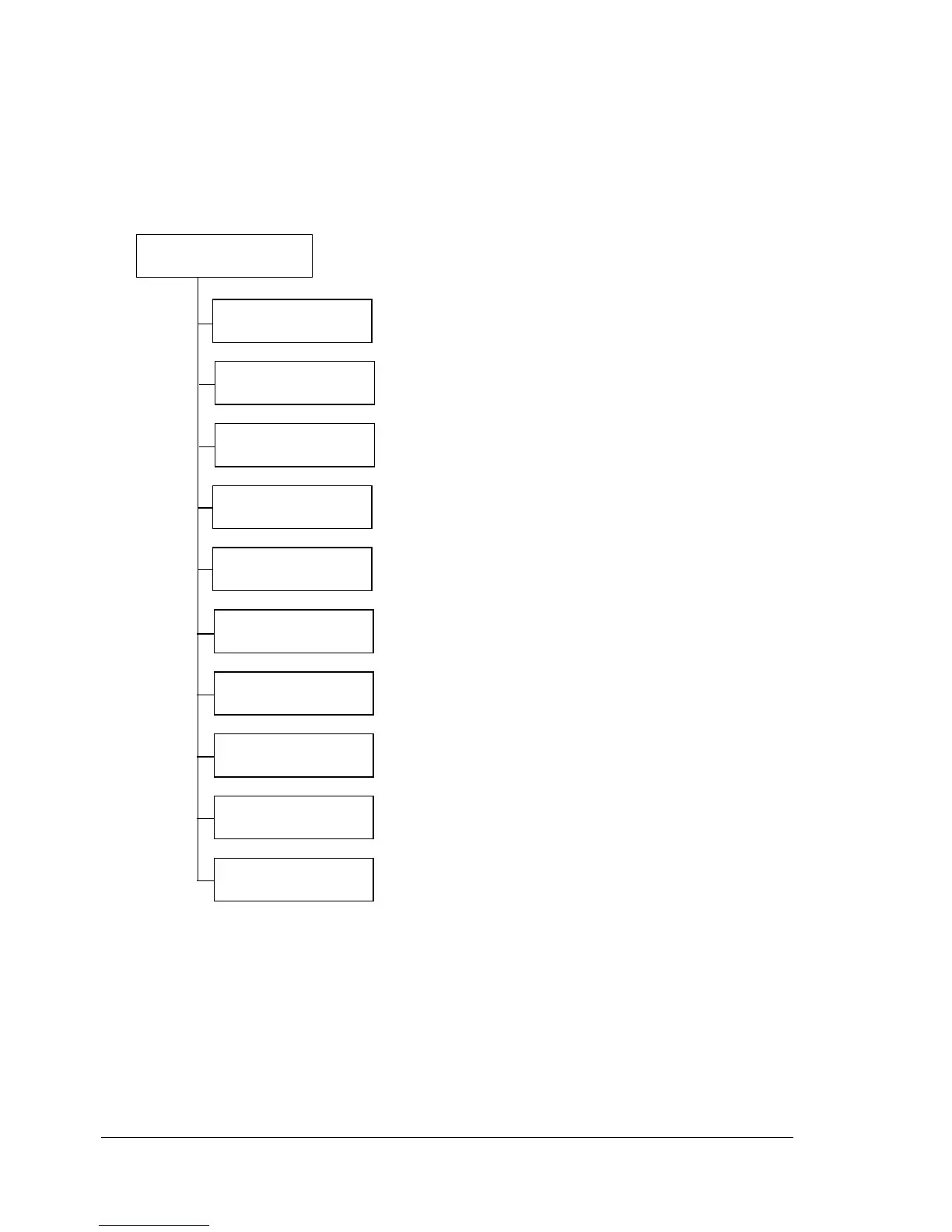
The configuration menu accessible from the control panel is structured as
shown below.
Main Menu
" * This menu item appears only if an optional hard disk kit is installed.
** This menu item appears when an optional hard disk kit or a Com-
pactFlash card is installed, and
INTERFACE MENU/MEMORY
DIRECT
is set to ENABLE.
*** This menu item appears when INTERFACE MENU/CAMERA
DIRECT
is set to ENABLE.
PRINT
MENU
PAPER
MENU
CAMERA DIRECT
***
INTERFACE
MENU
SYS DEFAULT
MENU
PROOF/
PRINT MENU
*
MEMORY DIRECT
**
READY
QUALITY
MENU
MAINTENANCE
MENU
SERVICE
MENU














 To Next Page