Configuration Menu Overview62
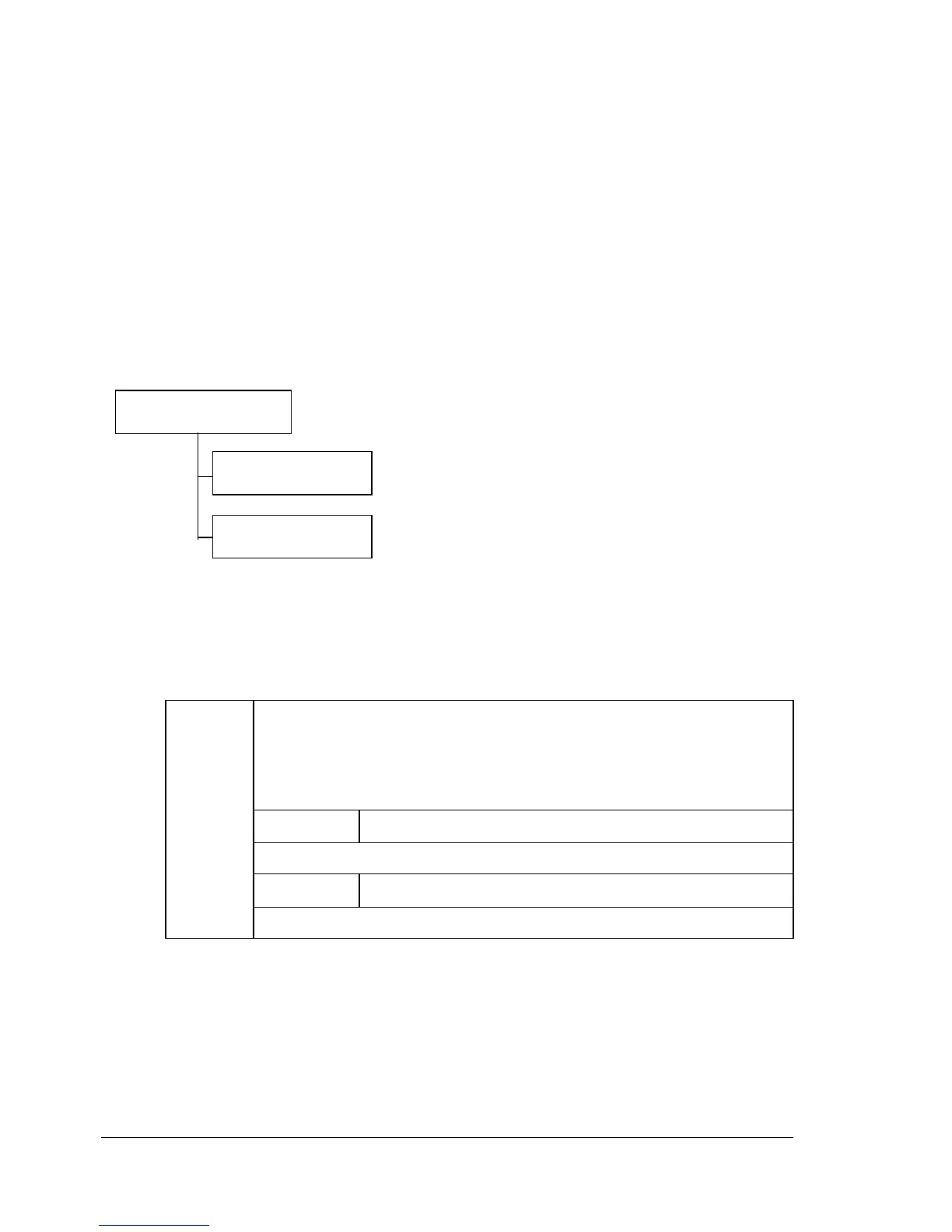
MEMORY DIRECT
This menu item appears when an optional hard disk kit or a CompactFlash
card is installed, and
INTERFACE MENU/MEMORY DIRECT is set to
ENABLE
.
In addition, this menu item does not appear if public user access has not
been permitted through authentication settings. For details on the authentica-
tion settings, refer to the Reference Guide on the Utilities and Documentation
CD-ROM.
With this menu, settings for “memory direct” function can be specified.
" For details on memory direct, refer to “Memory Direct” on page 98.
" * This menu item appears when a USB memory device is plugged into
the KONICA MINOLTA Digital Camera Direct Print Port.
" All factory default values are shown in bold.
LIST
OF
FILES
Select the file that you wish to output, and then press the Menu/
Select key.
If the file to be printed is in a folder, select the folder, and then
press the Menu/Select key.
Settings
PRINT
Select this setting to output a file.
Settings
CANCEL
Select this setting to stop outputting and to return to the file list.
LIST OF FILES
*
TYPE OF FILES
MEMORY DIRECT














 To Next Page