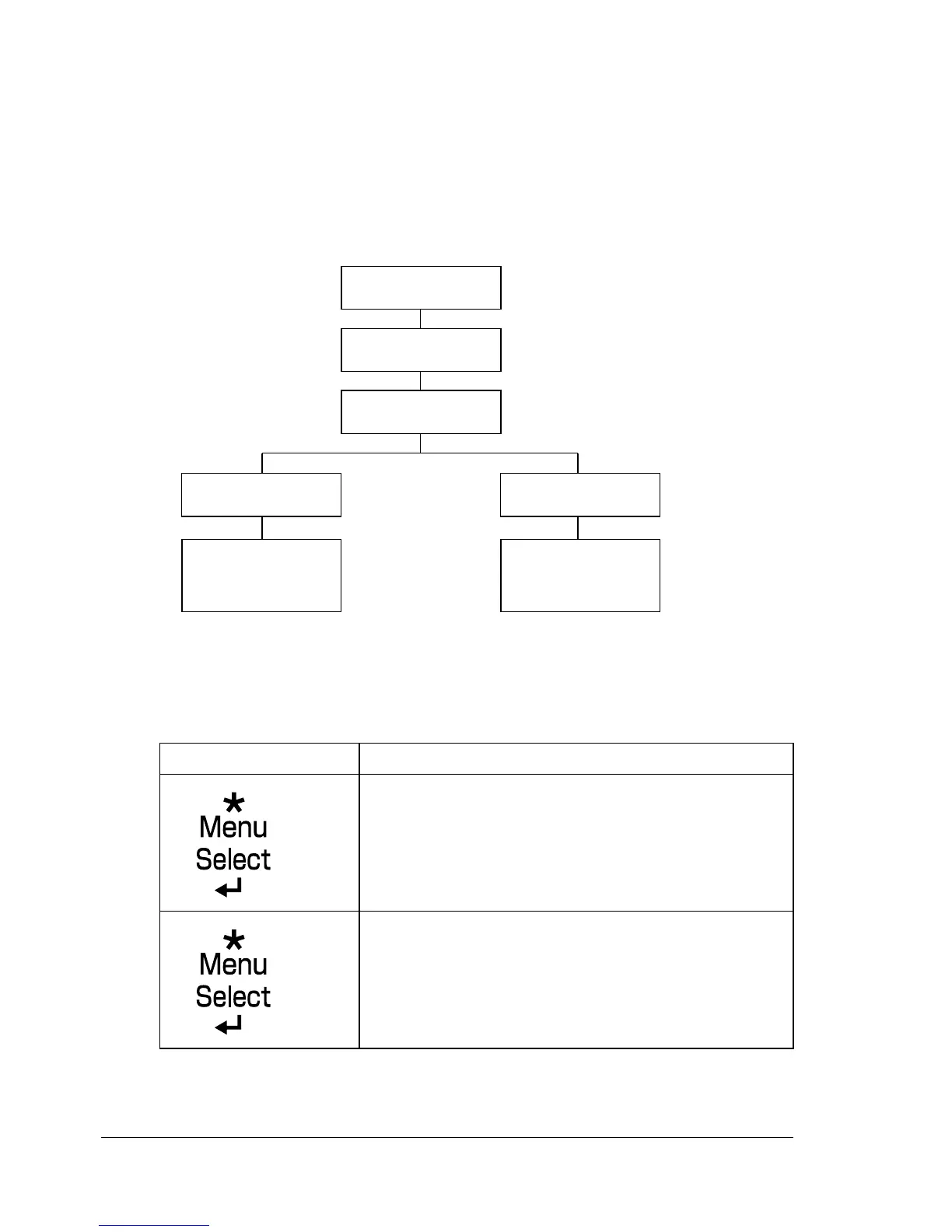
Configuration Menu Overview32
PROOF/PRINT MENU
" This menu item appears only if an optional hard disk kit is installed.
With this menu item, print jobs that were set to be saved on the hard disk by
using Job Retention on the Basic tab of the printer driver can be printed or
deleted.
" All factory default values are shown in bold.
Printing/Deleting a Stored Job
1 Follow the procedure described below to select a job.
Press Key Until Display Reads
PROOF/PRINT MENU
“User name”
If no print jobs have been stored on the hard disk,
NO STORED JOB appears.
PROOF/
PRINT MENU
“User name”
“Job name”
“Job name”
COPIES
1
“Job name”
YES
NO
DELETEPRINT














 To Next Page