Configuration Menu Overview
33
2 Select PRINT or DELETE, and then press the Menu/Select key.
" If PRINT was selected, continue with step 3.
If
DELETE was selected, continue with step 5.
3 Press the and keys to specify the number of copies to be printed.
(Settings:
1 to 999; Default: 1)
4 Press the Menu/Select key.
Printing begins.
5 Select YES or NO.
6 Press the Menu/Select key.
If
YES was selected, the print job is deleted.
If NO was selected, the PRINT/DELETE selection screen appears
again.
,
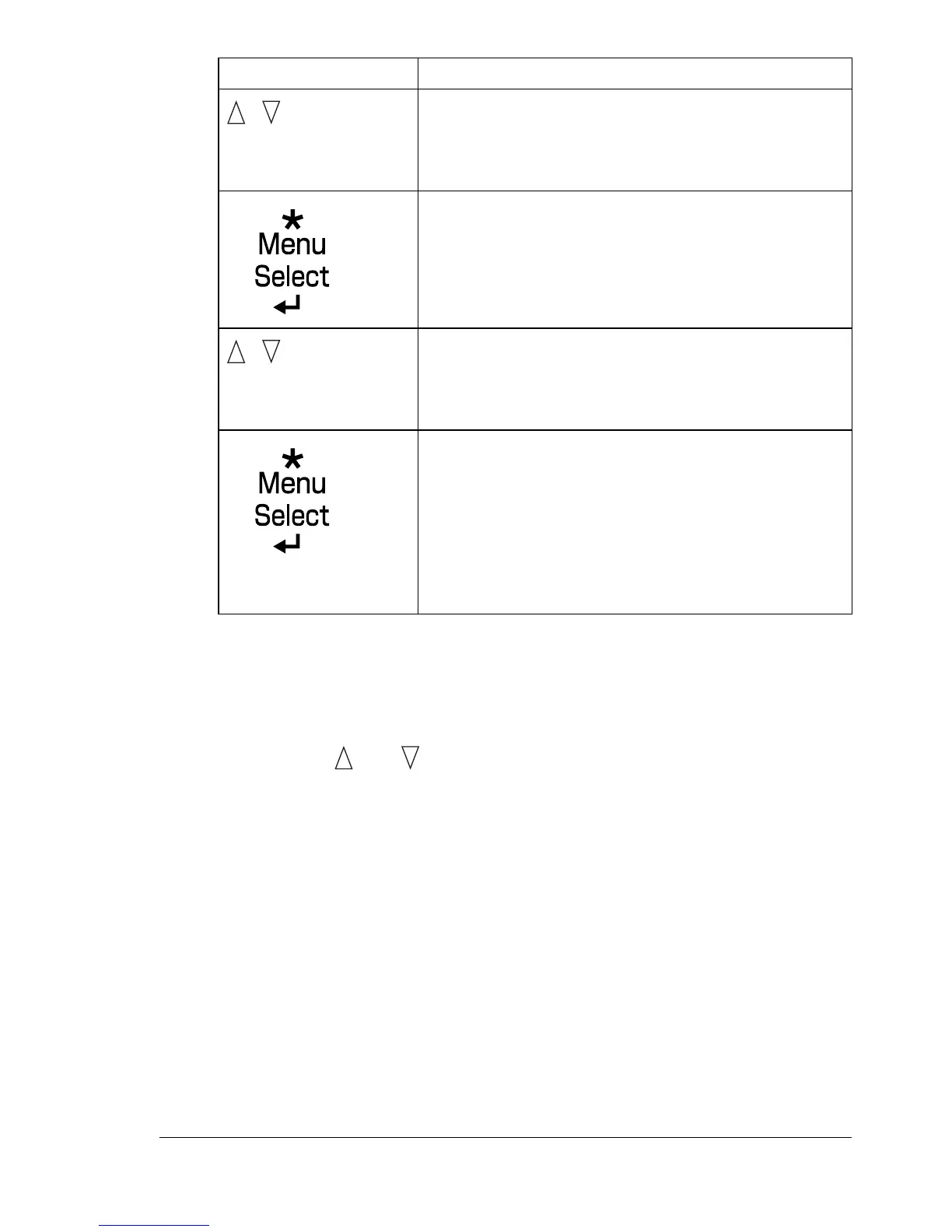
Press until the desired
user name appears.
Desired user name
“
Job name”
,
Press until the desired
job name appears.
Desired job name
PRINT
DELETE
If the selected print job was set as a secured job
from the printer driver, a screen for entering the
password appears. For details on typing the
password, refer to “Entering the Password” on page
34.
Press Key Until Display Reads














 To Next Page