Replacing Consumables154
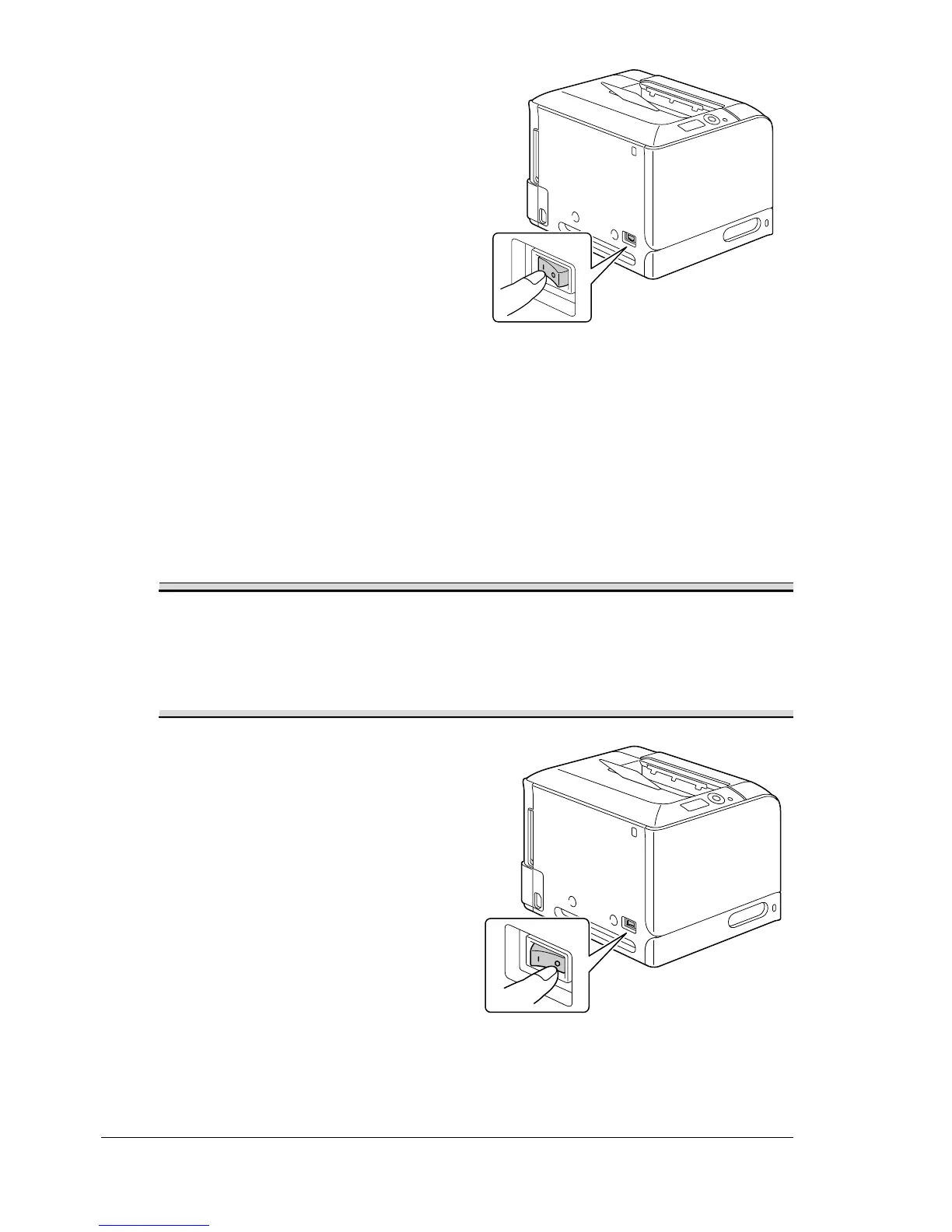
20 Reconnect the power cord, and
turn on the printer.
21 Reset the counter in the MAINTENANCE MENU/SUPPLIES/
REPLACE/TRANS. BELT
menu.
Replacing the Backup Battery
When the backup battery is at its end of life, the printer’s date and time can-
not be retained. Follow the procedure described below to replace the backup
battery.
Note
Only use the coin-shaped 3V lithium battery CR2032. It’s very important
to protect the printer controller board and any associated circuit boards
from electrostatic damage. Before performing this procedure, review
the antistatic caution on page 219. In addition, always handle circuit
boards by the edges only.
1 Turn off the printer and discon-
nect the power cord and inter-
face cables.














 To Next Page