About the Control Panel28
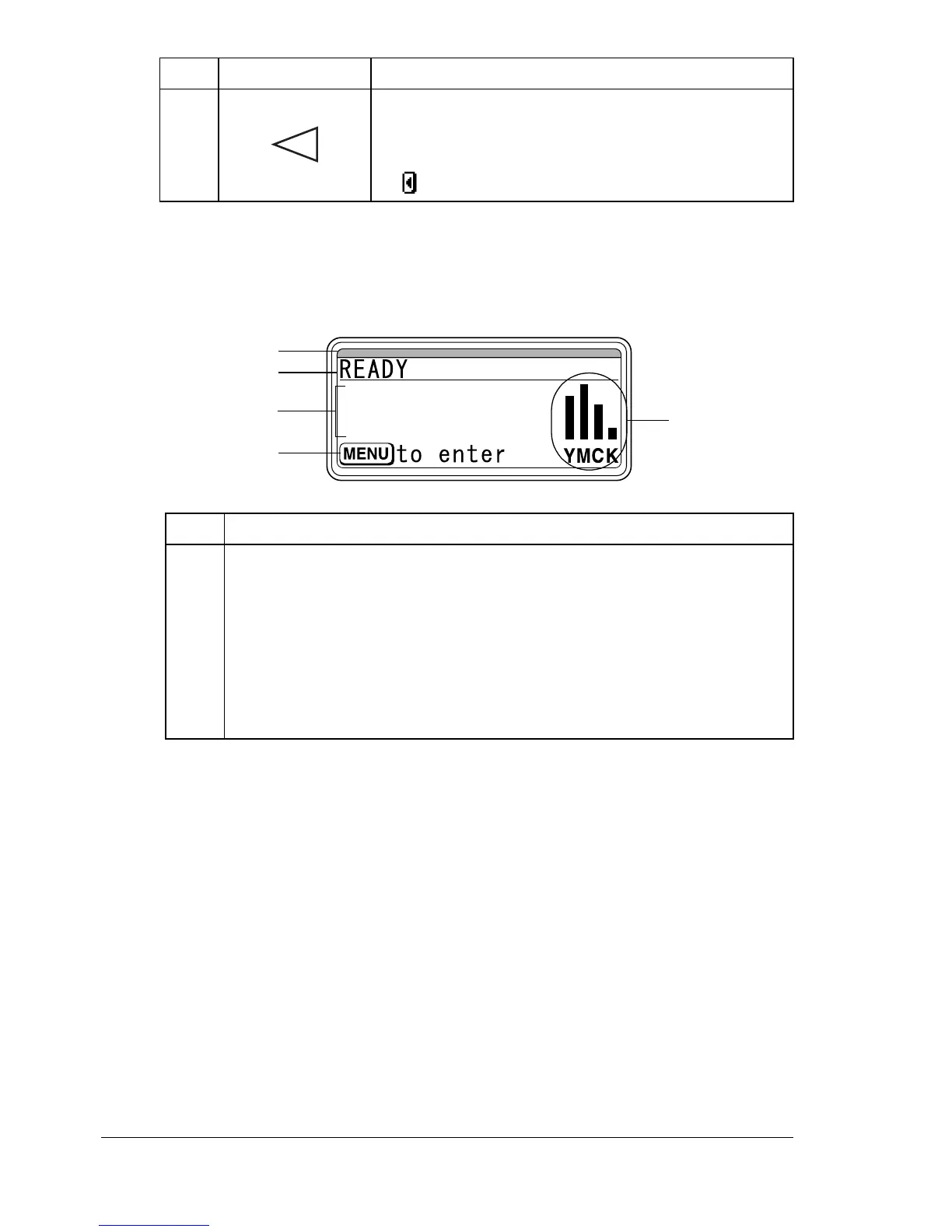
Message Window
The current status of the printer, the amount of toner remaining, and any error
messages can be viewed from the message window.
6 Moves the cursor to the left
Displays the previous help screen
appears in the message window
No. Details
1 The printer status is indicated by the color of the indicator and light-
ing/flashing of the message window.
READY: Indicator lit up in blue and window lit up
PROCESSING or PRINTING: Indicator flashing and window lit up
ENERGY SAVE: Indicator lit up in blue and window goes off
ERROR: Indicator lit up in red and window lit up
No. Key Function
2
4
3
5
1














 To Next Page