Duplexing
123
In addition, if “N-up” has been set to “Booklet”, autoduplex printing is per-
formed.
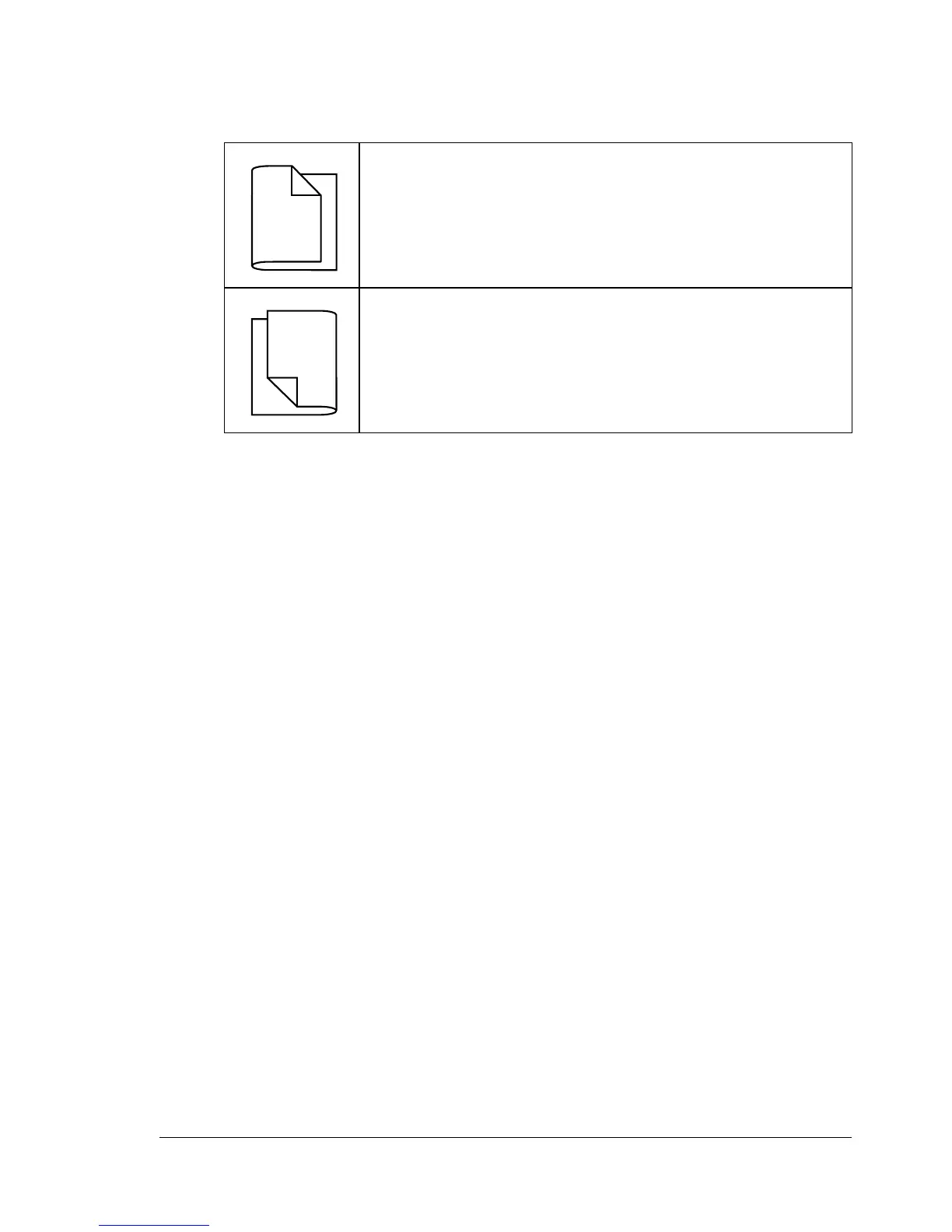
The following Order settings are available when “Booklet” is selected.
1 Load plain paper into the tray.
2 From the printer driver, specify duplex (double-sided) printing (Layout tab
in Windows).
3 Click OK.
" With autoduplexing, the back side is printed first, and then the front
side is printed.
If “Left Binding” is selected, the pages can be folded as a
left-bound booklet.
If “Right Binding” is selected, the pages can be folded as a
right-bound booklet.
1
1
2
3
3
3
1
1
2














 To Next Page