Replacing Consumables142
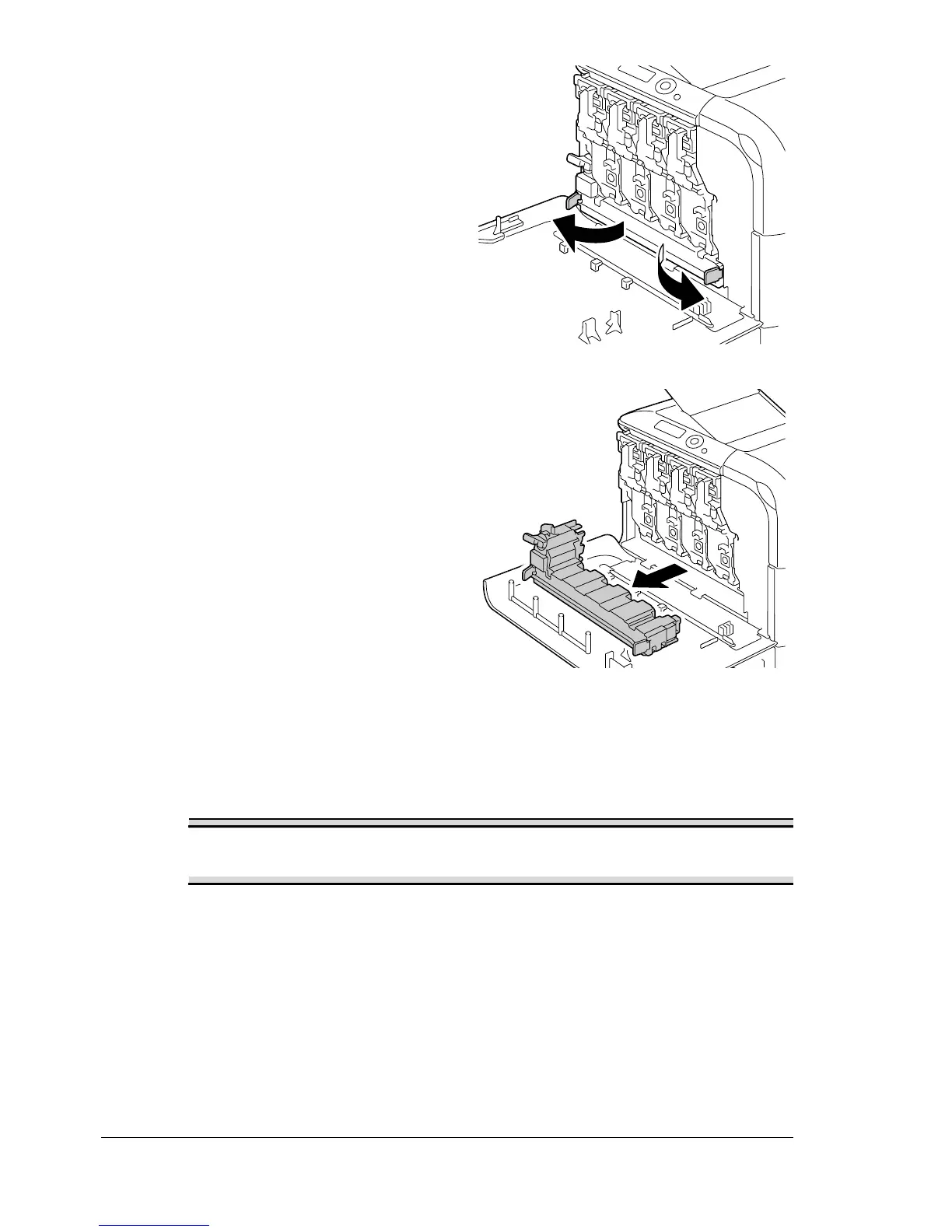
3 Open the left and right handles
of the waste toner bottle.
4 Grab the left and right handles of
the waste toner bottle, and then
slowly pull out the bottle.
" Be careful since some
waste toner may spill if
the lock is closed when
the waste toner bottle is
removed.
5 Remove the new waste toner bottle from its packaging. Insert the used
waste toner bottle into the plastic bag included in the box, and then box it
up.
Note
Dispose of the used waste toner bottle according to your local
regulations. Do not burn the waste toner bottle.
" Before installing the waste toner bottle, be sure that the dial on the
waste toner bottle is unlocked.














 To Next Page