Solving Problems with Printing Quality
205
If the problem is not resolved, even after all of the above have been per-
formed, contact Technical Support with the error information.
For contact information, refer to the Need Assistance Sheet.
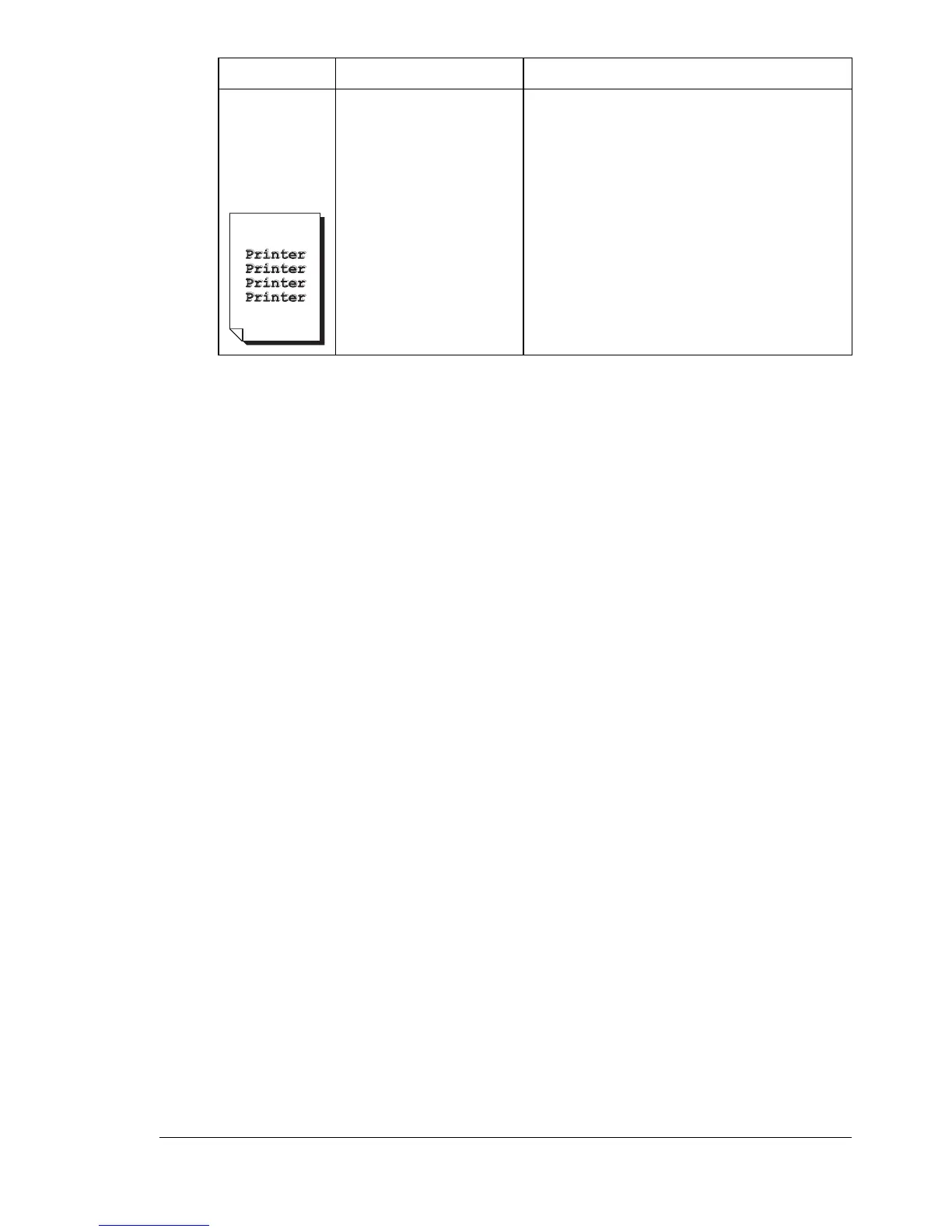
The color
has a poor
reproduction
or has poor
color density.
One or more of the
imaging units may be
defective.
Remove the imaging units and check
them for damage. If one is damaged,
replace it.
Symptom Cause Solution














 To Next Page