Dual In-Line Memory Module (DIMM)222
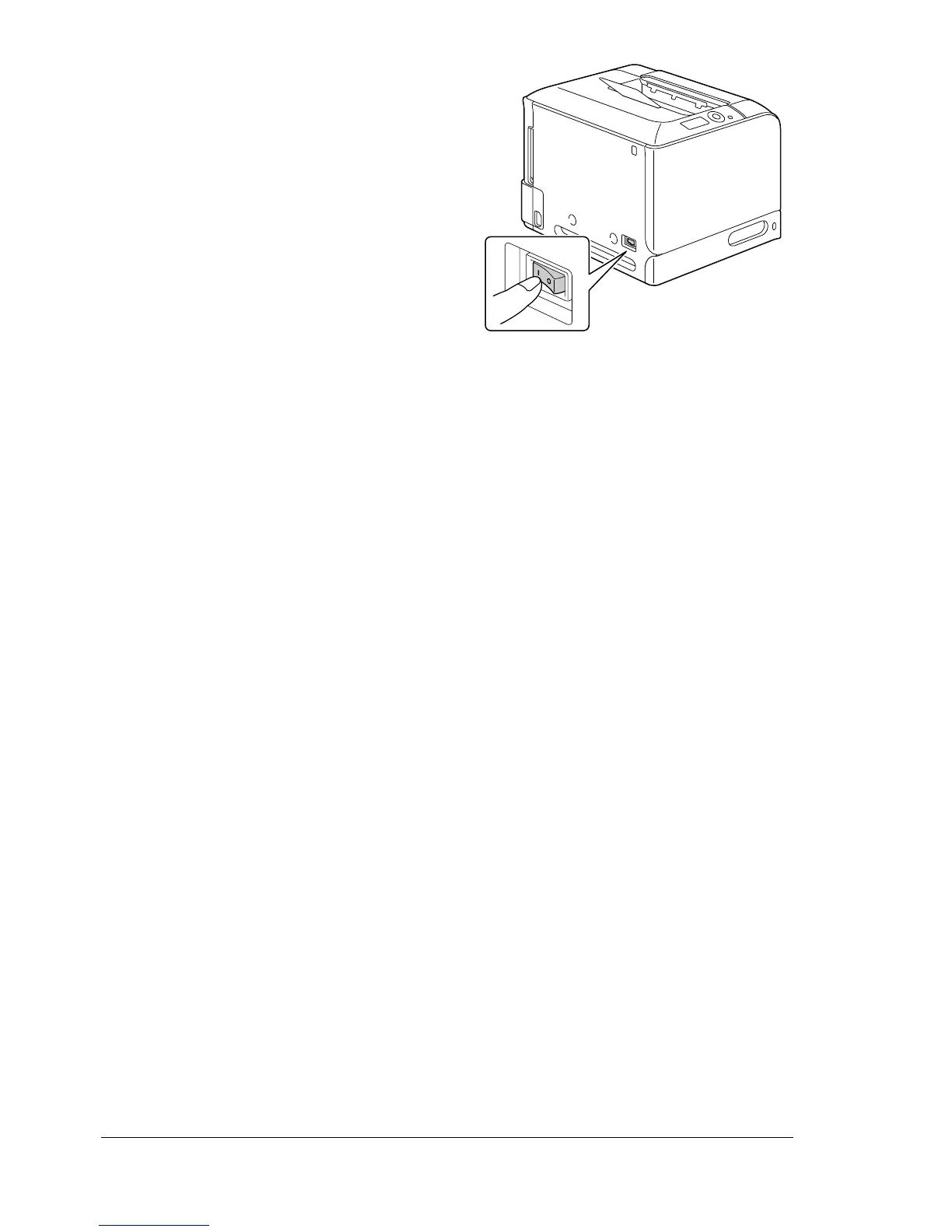
9 Reconnect the power cord, and
turn on the printer.
10 Declare the additional Printer Memory in the Windows printer driver
(Properties/Configure tab).
11 Print a configuration page (PRINT MENU/CONFIGURATION PG) and
verify that the total amount of the RAM installed in your printer is listed.














 To Next Page