10
4
Assemble the Adjustable Stop Base
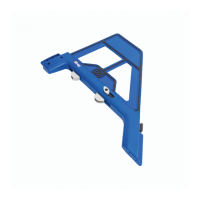
The docking station includes an adjustable stop that can be attached to either
material support wing. The adjustable stop makes it easy to achieve repeatable
results when you have many pieces that require the same pocket-hole spacing.
Note The adjustable stop has two parts: the adjustable stop base, which you will
assemble in this step; and the adjustable stop arm, which can be attached to the
adjustable stop base in different congurations (see step5).
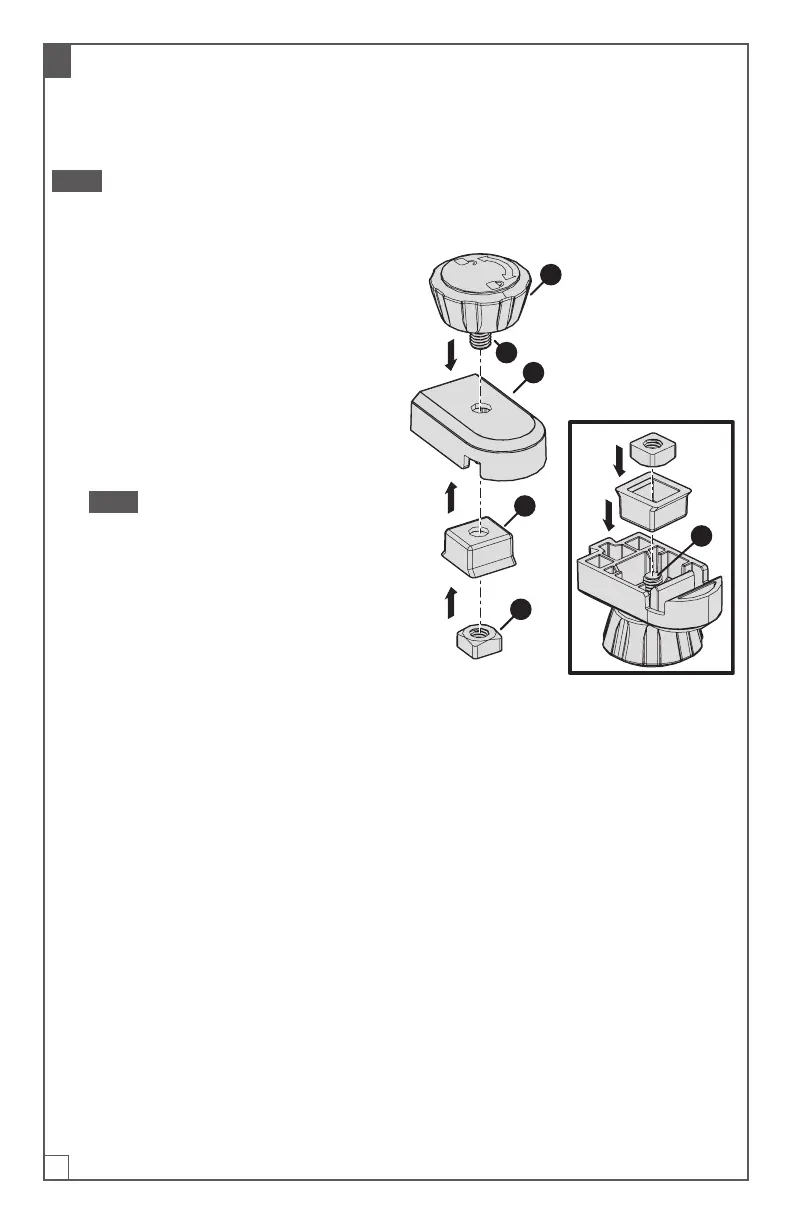
a. Insert the screw (1) of the adjustable
stop knob (K) into the hole on top of
the stop base (L).
b. Holding the knob (K) in position, turn
the stop base (L) upside down so
that the screw (1) extends upward.
c. Drop the adjustable stop base
wedge (M) onto the screw (1) with its
anged side facing up.
Note The adjustable stop base
wedge (M) should sit ush with the
adjustable stop base (L). If it does
not sit ush, rotate the adjustable
stop base wedge (M) 90degrees.
d. Place the adjustable stop square
nut(N) onto the screw (1); then rotate
the adjustable stop knob (K) until
the adjustable stop square nut (N)
isnger-tight.
K
L
1
M
1
N


 To Next Page