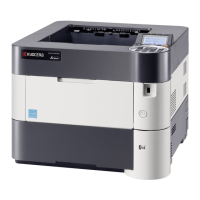
Installing and Setting up the Machine > Default Settings of the Machine
53
6 Double-click the downloaded installer to launch.
NOTE
• Installation on Windows must be done by a user logged on with administrator privileges.
• If the user account management window appears, click [Yes] (Allow).
6
Configure the settings.
1 [Do not use automatic configuration] > [Next] > [Next]
2 [Wi-Fi Direct] > [Next] > [Next]
3 [Advanced setup] > [Next]
Select [Express] or [Custom] as the device discovery method. You can specify an IP address or hostname
as the discovery method.
4 Select the machine > [Next]
5 Select [Use the device settings.] on [Authentication mode], and enter the administrator's login user
name and password.
6 Configure the communication settings > [Next]
7 Change the settings of access point as necessary > [Next]
The network is configured.


 To Next Page
 Loading...