4-13
Copying > Copying Functions
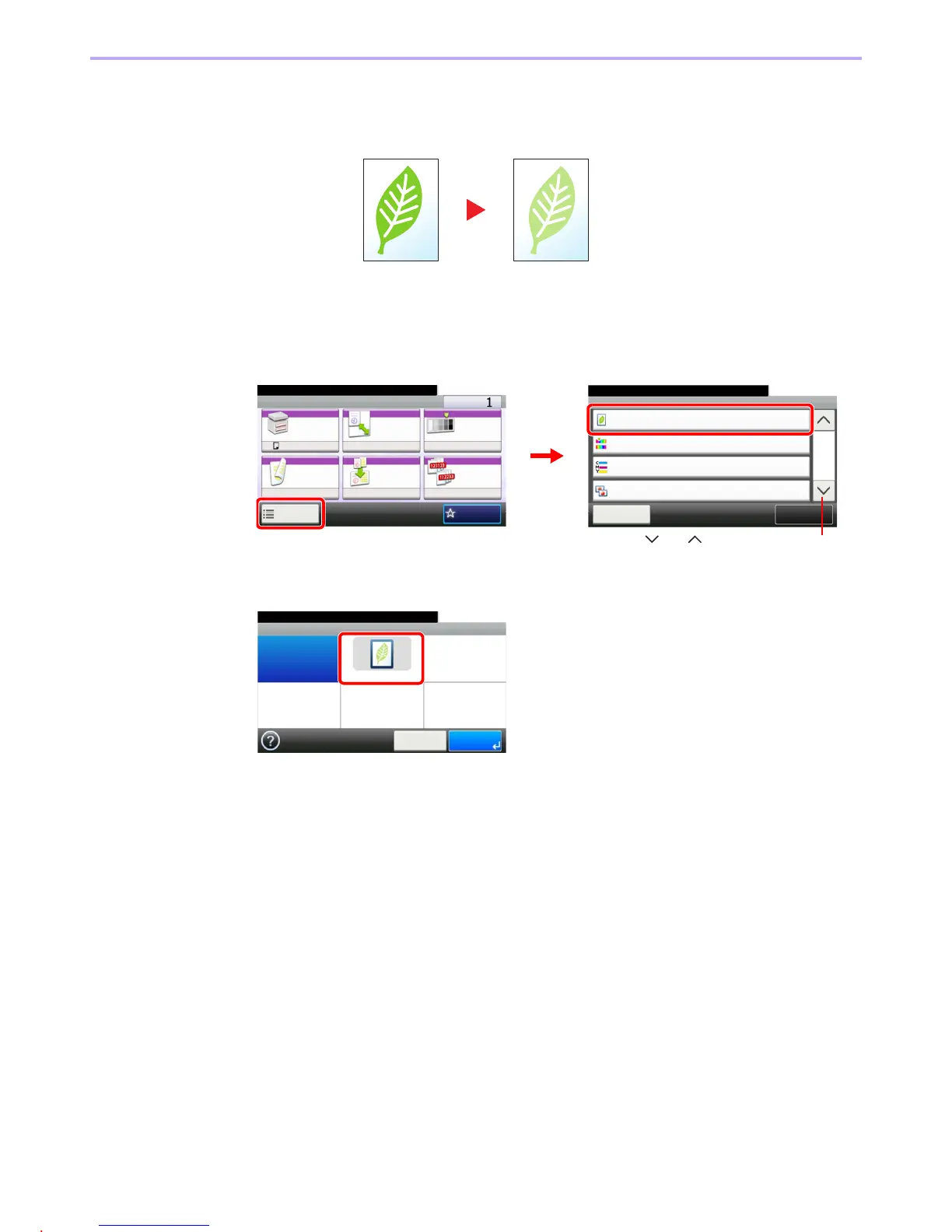
EcoPrint
Use EcoPrint to save toner when printing. Use this function for test copies or any other occasion when high quality print
is not required.
1
Display the screen.
1 Referring to Basic Operation on page 4-2, display the screen.
2
2
Select the function.
Ready to copy. (Full Color)
Functions
Close
10:10
EcoPrint
Off
0
Hue Adjustment
2/4
Add/Edit
Shortcut
Color Balance
Off
0
Sharpness
Ready to copy. (Full Color)
Copy Copies
Paper
Selection
Zoom Density
Duplex Combine Collate
1-sided>>1-sided
A4 100% Normal 0
OnOff
Functions
10:10
Favorites
GB0001_01
GB0002_01
2
1
Use [ ] or [ ] to scroll up and down.
GB0045_00
Ready to copy. (Full Color)
EcoPrint
Off On
10:10
Cancel OK



 To Next Page