9-59
Setup, Registration, and User Management > Job Accounting
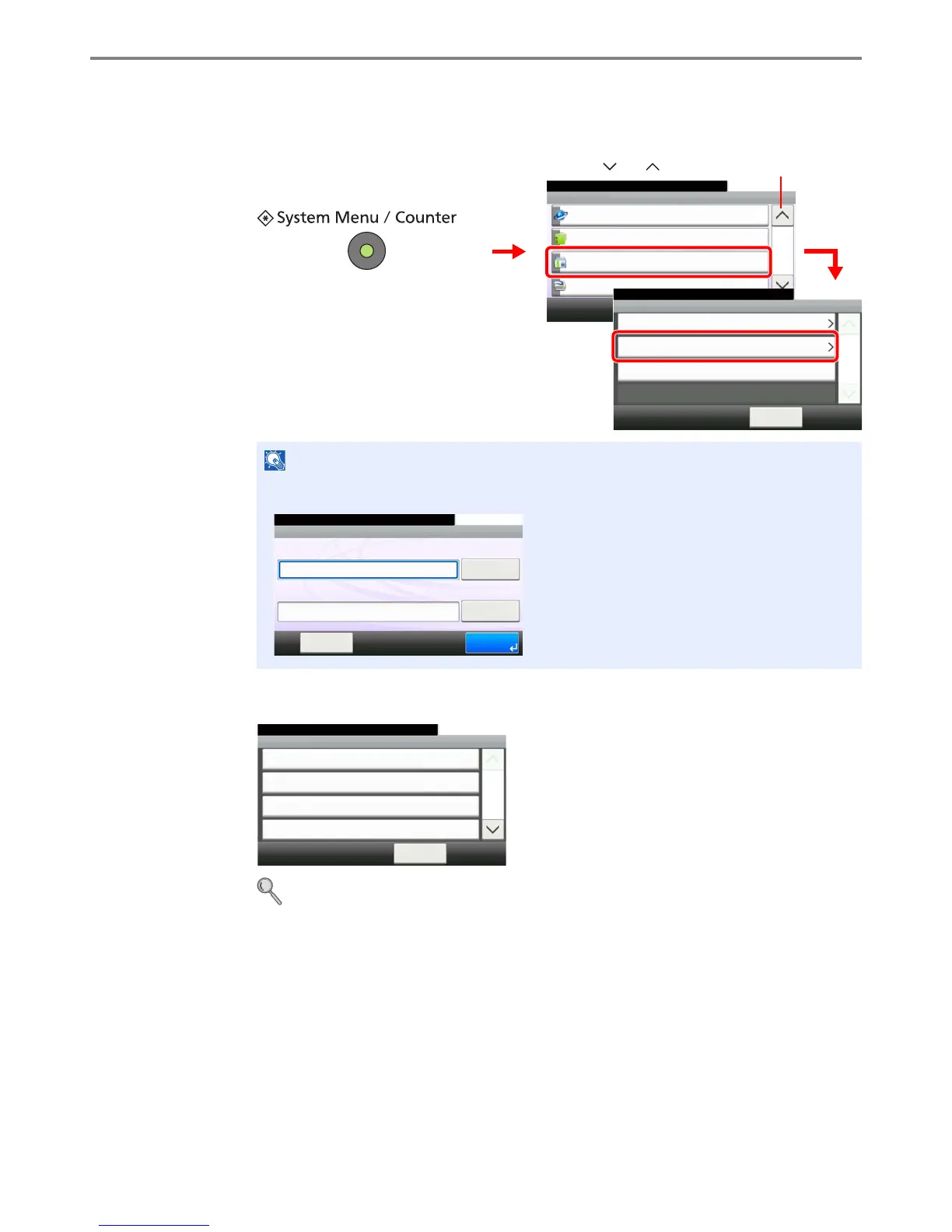
Job Accounting Settings
1
Display the screen.
2
Configure the function.
Enabling/Disabling Job Accounting X page 9-60
Login/Logout X page 9-61
Adding an Account X page 9-62
Editing and Deleting Accounts X page 9-64
Restricting the Use of the Machine X page 9-66
Counting the Number of Pages Printed X page 9-68
Printing an Accounting Report X page 9-70
Job Accounting Default Setting X page 9-71
Unknown Login User Name Job X page 9-72
NOTE
You can only change the settings by logging in with administrator privileges. Refer to Adding
a User on page 9-36 for the default login user name and password.
1
GB0054_03
System Menu/Counter.
System Menu
User Login/Job Accounting
10:10
Printer
4/5
Address Book/One Touch
Internet
2
User Login Settings
10:10System Menu/Counter.
Job Accounting Settings
< Back
1/1
Reject
Unknown ID Job
User Login/Job Accounting
3
GB0434_00
Use [ ] or [ ] to scroll up and down.
GB0723_00
10:10
Keyboard
Login Password
Keyboard
Login User Name
LoginMenu
Enter login user name and password.
Job Accounting
10:10System Menu/Counter.
Print Accounting Report
< Back
1/2
Off
Total Job Accounting
Each Job Accounting
User Login/Job... - Job Accounting Settings
GB0461_00



 To Next Page