9-39
Setup, Registration, and User Management > User Login Administration
[My Panel]
For details on My Panel, refer to My Panel on page 9-41.
[Local Authorization]
Change the limitations as needed.
4
Register the user.
Add - Confirmation
10:10
Cancel
System Menu/Counter.
Access Level
My Panel
Local Authorization
E-mail Address
User
< Back
2/2
Save
GB0446_01
GB0749_00
1
My Panel
Language
10:10System Menu/Counter.
Default Screen
Shortcut
1/1
End
English
Copy
Shared Shortcut
2
Local Authorization
Off
10:10System Menu/Counter.
Printer (Full Color)
Copy
Copy (Full Color)
Printer
Off
Off
Cancel
1/2
OK
Off
GB0446
GB0839_00
Add - Confirmation
10:10
Cancel
System Menu/Counter.
Access Level
My Panel
Local Authorization
E-mail Address
User
< Back
2/2
Save
1
GB0446_01
2
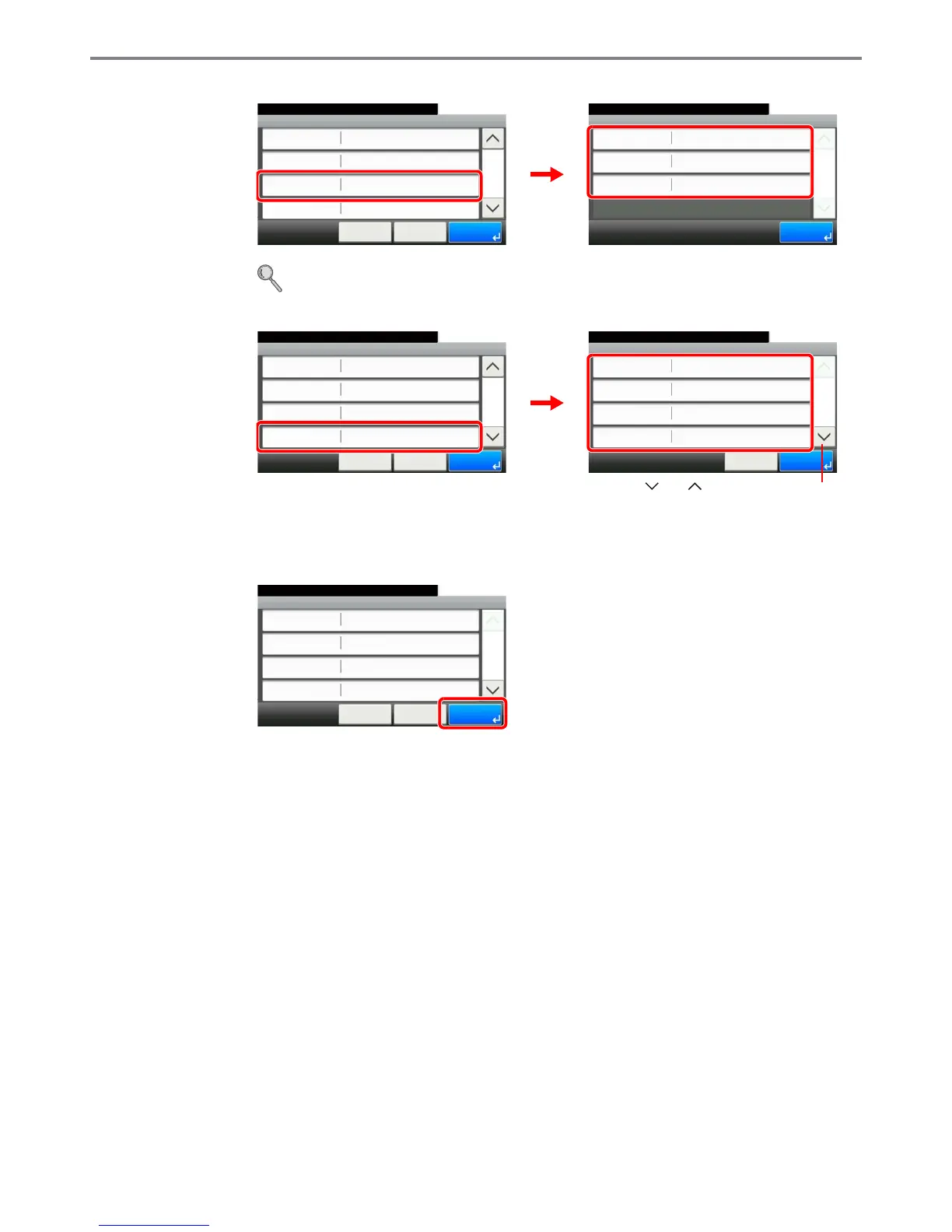
Use [ ] or [ ] to scroll up and down.
GB0446_00
Add - Confirmation
User A
10:10
Cancel
Select the item that you want to change.
Login User Name
Login Password
Account Name
User Name
User A
**********
< Back
1/2
Save
Others



 To Next Page