9-67
Setup, Registration, and User Management > Job Accounting
1
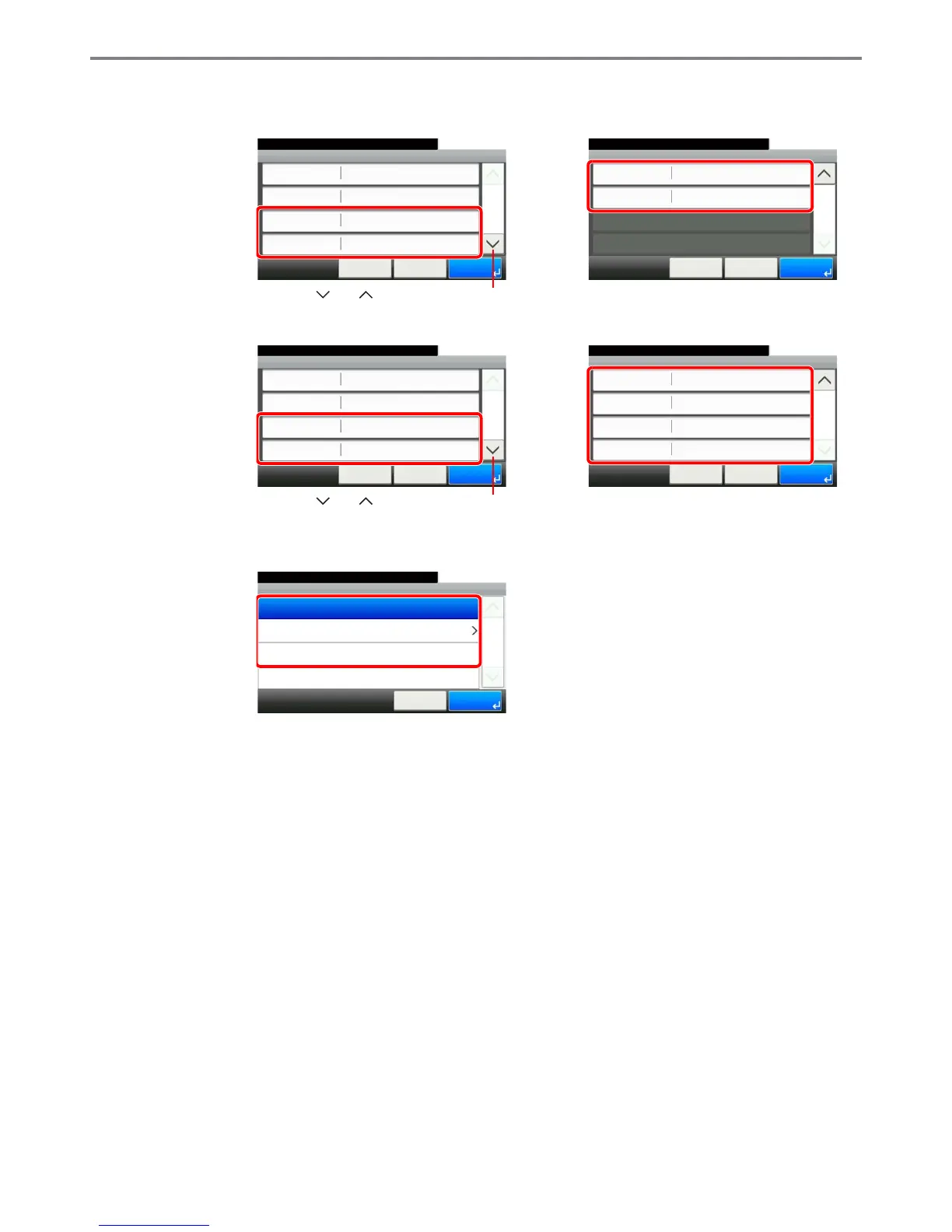
Select the item to limit.
[Total] selected for Copier/Printer Count
[Individual] selected for Copier/Printer Count
2
Select a restriction method.
If [Counter Limit] is selected, press [+], [-] or numeric keys to select the number of pages, and
press [OK].
Add - Confirmation
10:10
Cancel
Select the item that you want to change.
FAX Transmission Off
< Back
2/2
Save
Scan (Others)
Off
GB0480_00
Add - Confirmation
Section 01
10:10
Cancel
Select the item that you want to change.
Account ID
Print (Total)
Account Name
00000001
< Back
1/2
Save
Off
Print (Full Color) Off
GB0480_01
Use [ ] or [ ] to scroll up and down.
Add - Confirmation
10:10
Cancel
Select the item that you want to change.
FAX Transmission
Off
< Back
2/2
Save
Scan (Others)
Off
Printer (Total)
Printer (Full Color)
Off
Off
GB0480_02
Add - Confirmation
Section 01
10:10
Cancel
Select the item that you want to change.
Account ID
Copy (Full Color)
Account Name
00000001
< Back
1/2
Save
Off
Copy (Total) Off
GB0480_03
Use [ ] or [ ] to scroll up and down.
GB0474_00
Print (Total)
10:10System Menu/Counter.
Counter Limit
Reject Usage
Off
Cancel
1/1
OK



 To Next Page