3-30
Common Operations > Quick Setup Wizard
3
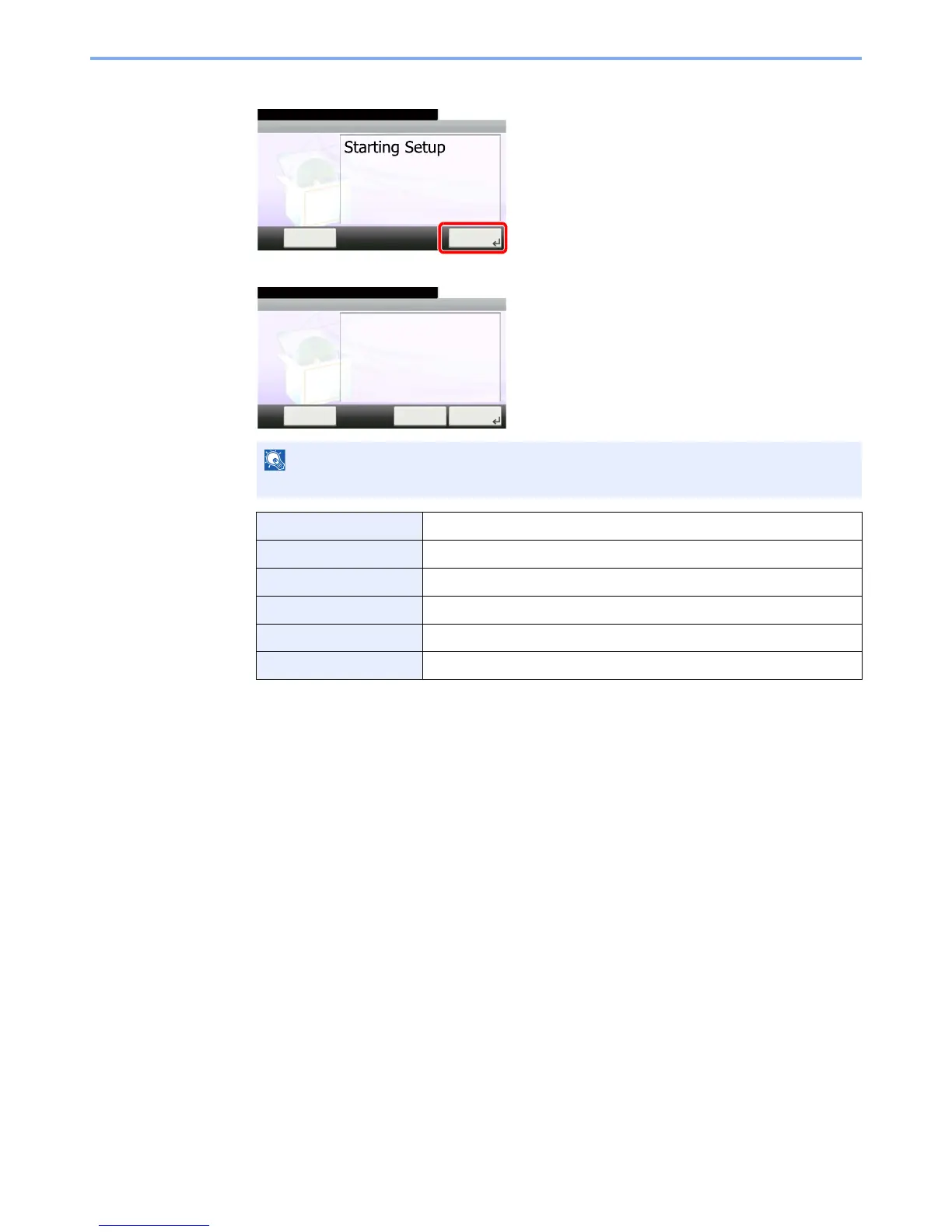
Configure the function.
Start the wizard. Follow the instructions on the screen to configure settings.
NOTE
If you experience difficulty configuring the settings, refer to Help Screen on page 3-31.
[End] Exits the wizard. Settings configured so far are applied.
[<< Previous] Returns to the previous item.
[Skip >>] Advances to the next item without setting the current item.
[Next >] Advances to the next screen.
[< Back] Returns to the previous screen.
[Finish] Register the settings and exit the wizard.
FAX Setup
10:10
This wizard will help you set
the basic settings to use the fax.
End Next >
1. Dialing/RX Mode
2. Local FAX Info.
3. Sound Volume
4. Rings
5. Redial
System Menu/Counter.
GB0841_00
Local Fax Info.
10:10
Set the dialing and reception mode.
End Next >
1. Dialing/RX Mode
2. Local FAX Info.
3. Sound Volume
4. Rings
5. Redial
System Menu/Counter.
Skip >>
GB0842_00



 To Next Page