Echo Liquid Handler Software 5-15
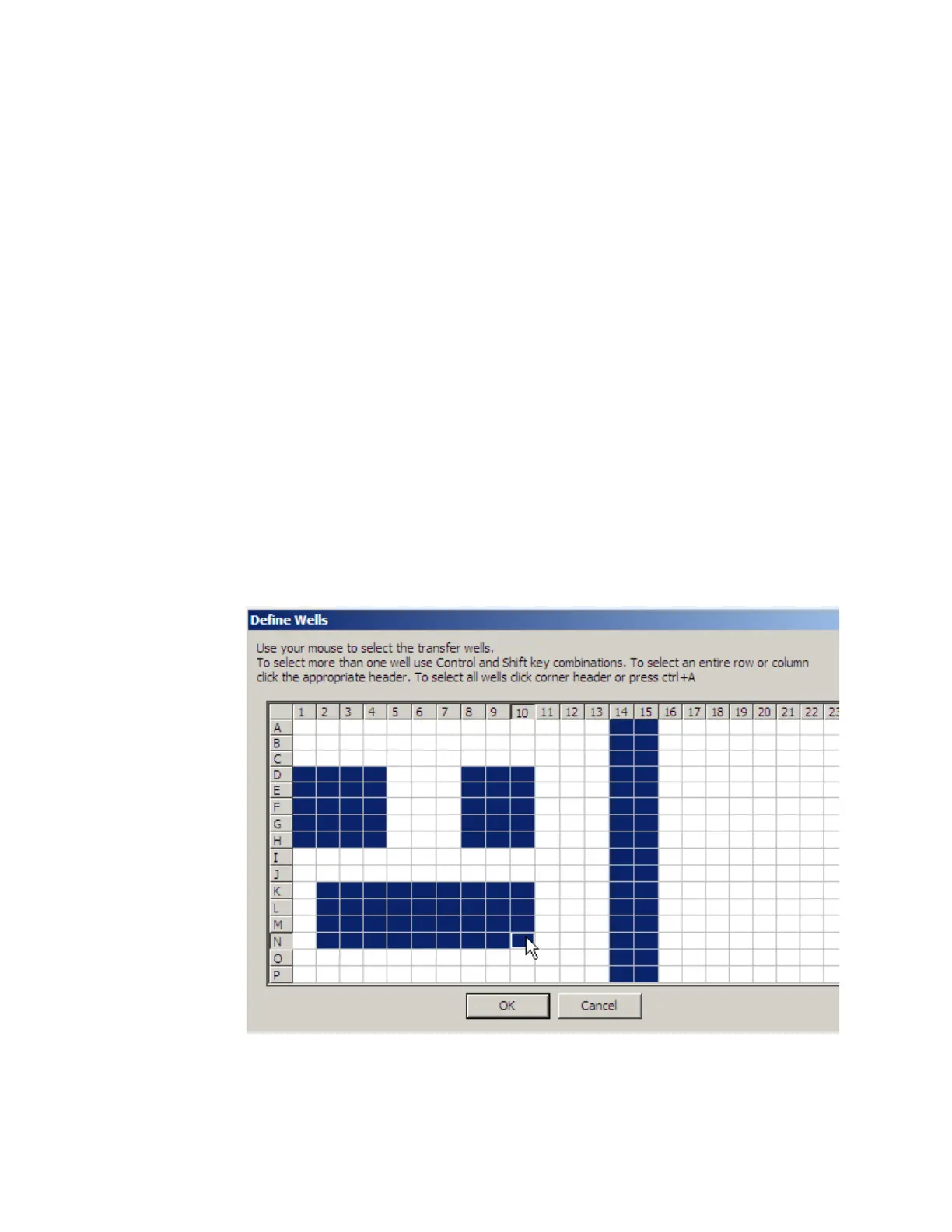
through I6. There are several methods to define which wells belong in the
transfer map.
Click a single well to select it and clear all other selected grid squares.
Hold the CONTROL key down and click in individual wells. Each well is
selected in turn.
After making a well selection, hold down the SHIFT key and click in
another well. All wells in a rectangle defined by the two wells are
selected.
Click on a row label or a column label. The entire row or column will
be selected.
Click and drag the mouse point to define a rectangle of wells in one
move.
If a group of wells is selected and another well (or group of wells)
must also be selected, hold the CONTROL key down so that the
original group of wells is not cleared.
All wells can be selected by clicking in the upper-left square (above
the row labels). Another method is to press CTRL-A (if at least one
well is already selected).
Figure 5.20 Multiple regions defined in a transfer map
Click the OK button to save the transfer map definition with this protocol.



 To Next Page