5-42 Echo Liquid Handler User Manual
The source microplate survey data is displayed in the main data grid of the
S
URVEY dialog box. Either fluid composition or well fluid thickness (height)
will be displayed, depending on which RESULT radio button is selected. The
data will either be raw, processed (homogeneous), or processed
(inhomogeneous) depending on which POST PROCESSING radio button is
selected.
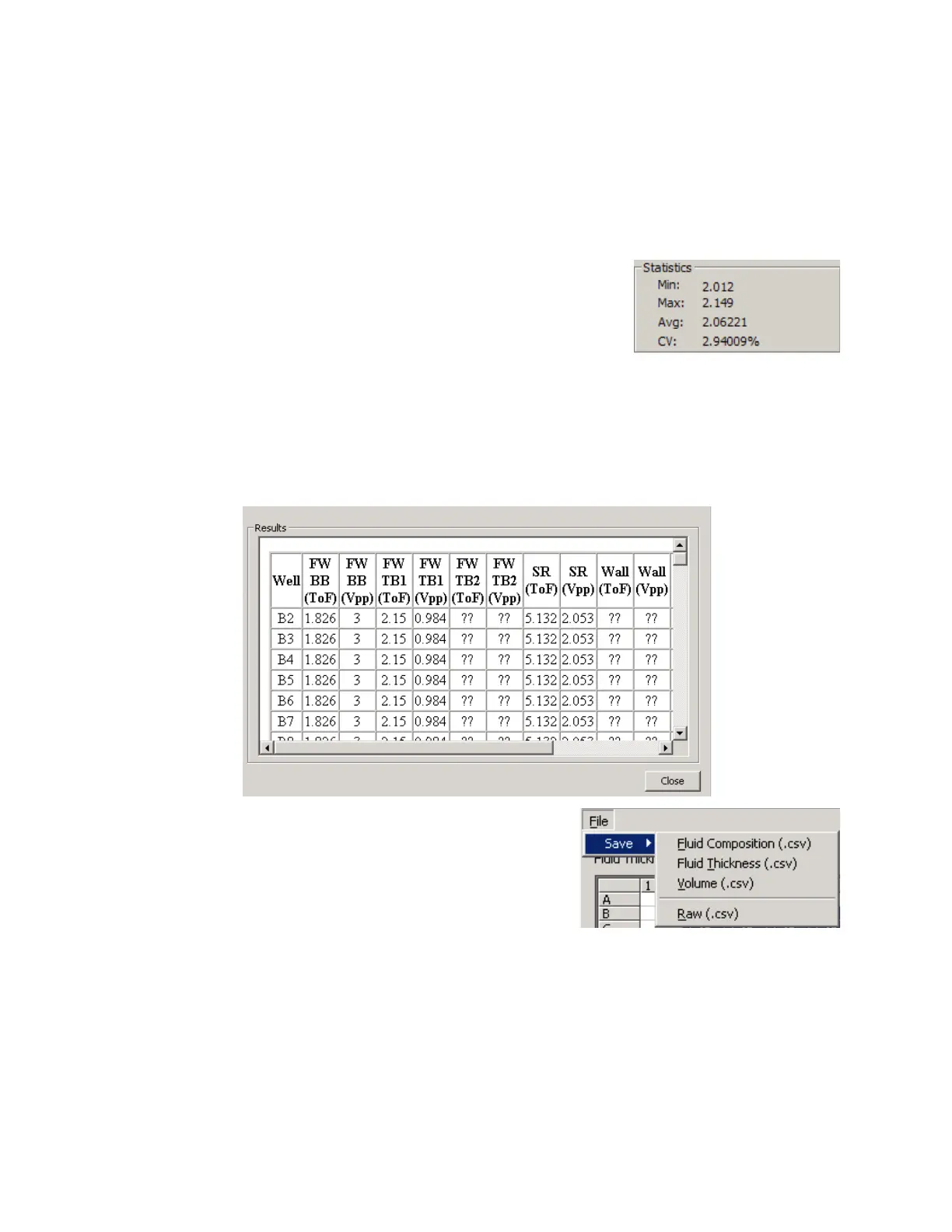
In the STATISTICS section, the minimum,
maximum, average, and CV data from the
survey is reported. These statistics are
calculated from raw, processed
(homogeneous), or processed
(inhomogeneous) survey data depending on
which POST PROCESSING radio button is selected.
In the RESULTS section, raw data collected during the survey is displayed.
This information is used only by Labcyte personnel during troubleshooting
or system analysis.
Figure 5.38 Diagnostic survey results
9. To save the survey data to the client
PC, click the F
ILE button and select
from the following choices:
SAVE | FLUID COMPOSITION (.CSV).
SAVE |FLUID THICKNESS (.CSV).
SAVE | RAW (.CSV).



 To Next Page