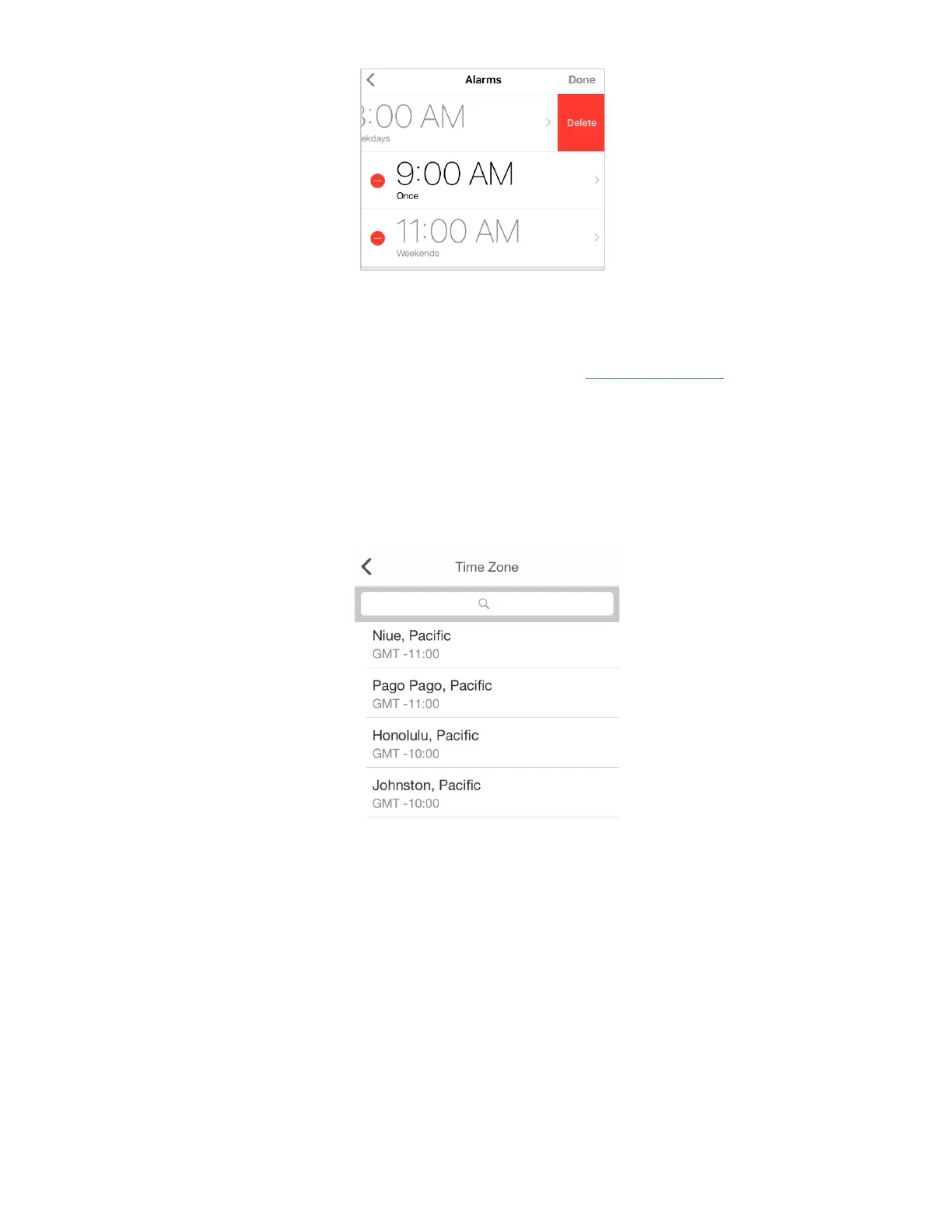
Make sure your alarm is enabled - gray pixel should appear on the right top side of the current time
on the device.
You can also set an alarm directly on LaMetric . To do this read 5.2.1. Using apps .
3. Select Time Zone
If Automatic timezone option is turned off – option to choose the tim e zone from the list appears. Tap
Timezone and choose one from the list or search it in the top field.
4. Set how to display an information
● Tap Clockface to add an image that will be displayed right before the clock on the screen. Use
categories on the top to make your choice faster.
● Turn 24 Hours on and the time will be displayed in the mode of 24:00, or turn it off to see the
time in the mode of 12 hours AM/PM.
● Switch Day of Week on and LaMetric will show you it on the bottom of the screen as highlighted
indicator.
● The option ‘ Week starts on Monday’ allows to tread first day as Monday. First day by default is
Sunday.
● Switch Show Seconds on to see hours, minutes and seconds on the screen of your LaMetric.
26



 To Next Page