4. Configuration via the application
4.1. Manage Devices
4.1.1. LaMetric is Available
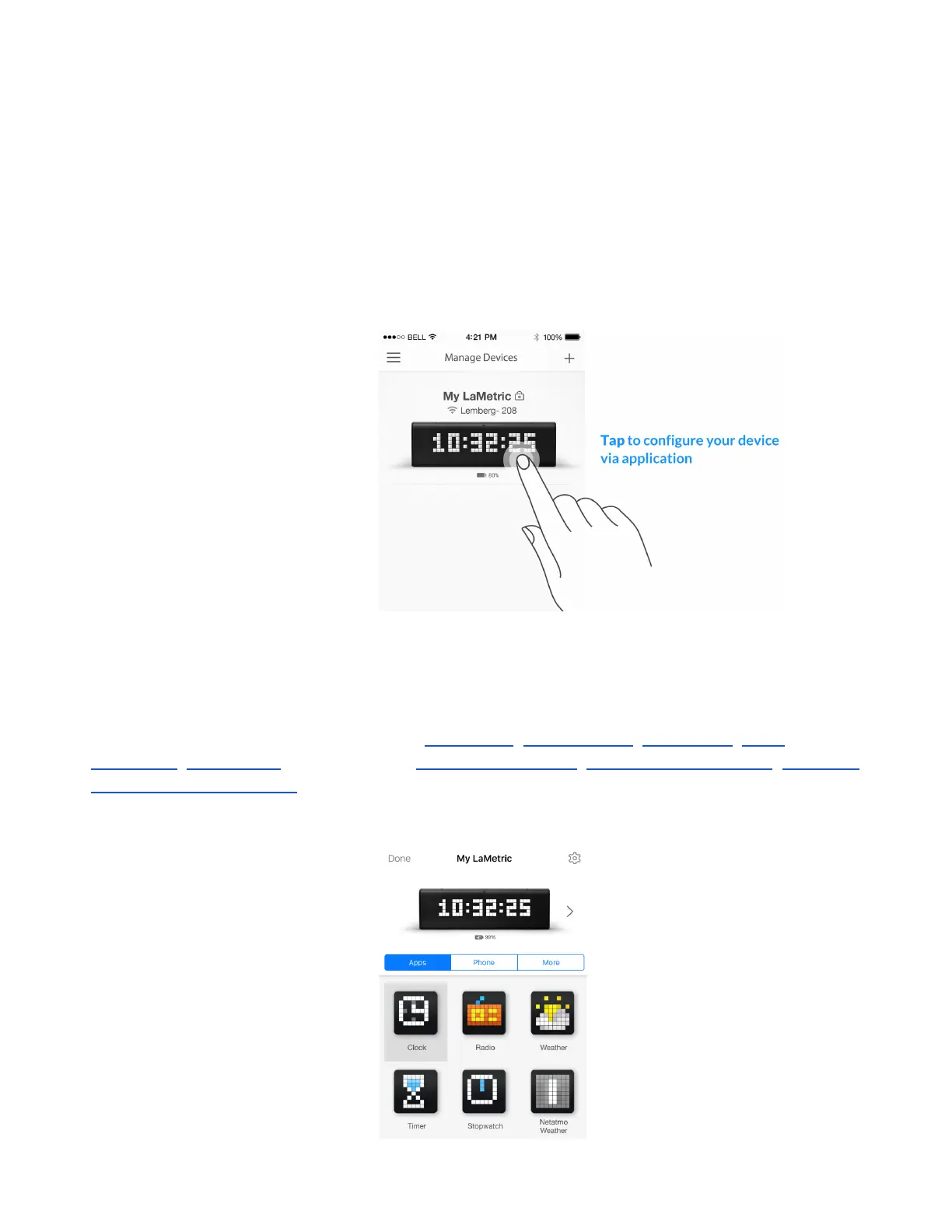
After finishing configuration process start to manage your device from the screen below.
When you see LaMetric with a clock on the screen, it means that your device is connected to your
smartphone or tablet and you can manage it via the mobile application. Tap LaMetric on this screen.
Now you can configure basic apps, such as 4.2.1.Clock , 4.2.2.Weather , 4.2.3.Radio , 4.2.4.
Stopwatch , 4.2.5. Timer , as well as make 4.6. Device Settings , 4.3. Apps management , 4.5.Install
apps from LaMetric Store .
16



 To Next Page