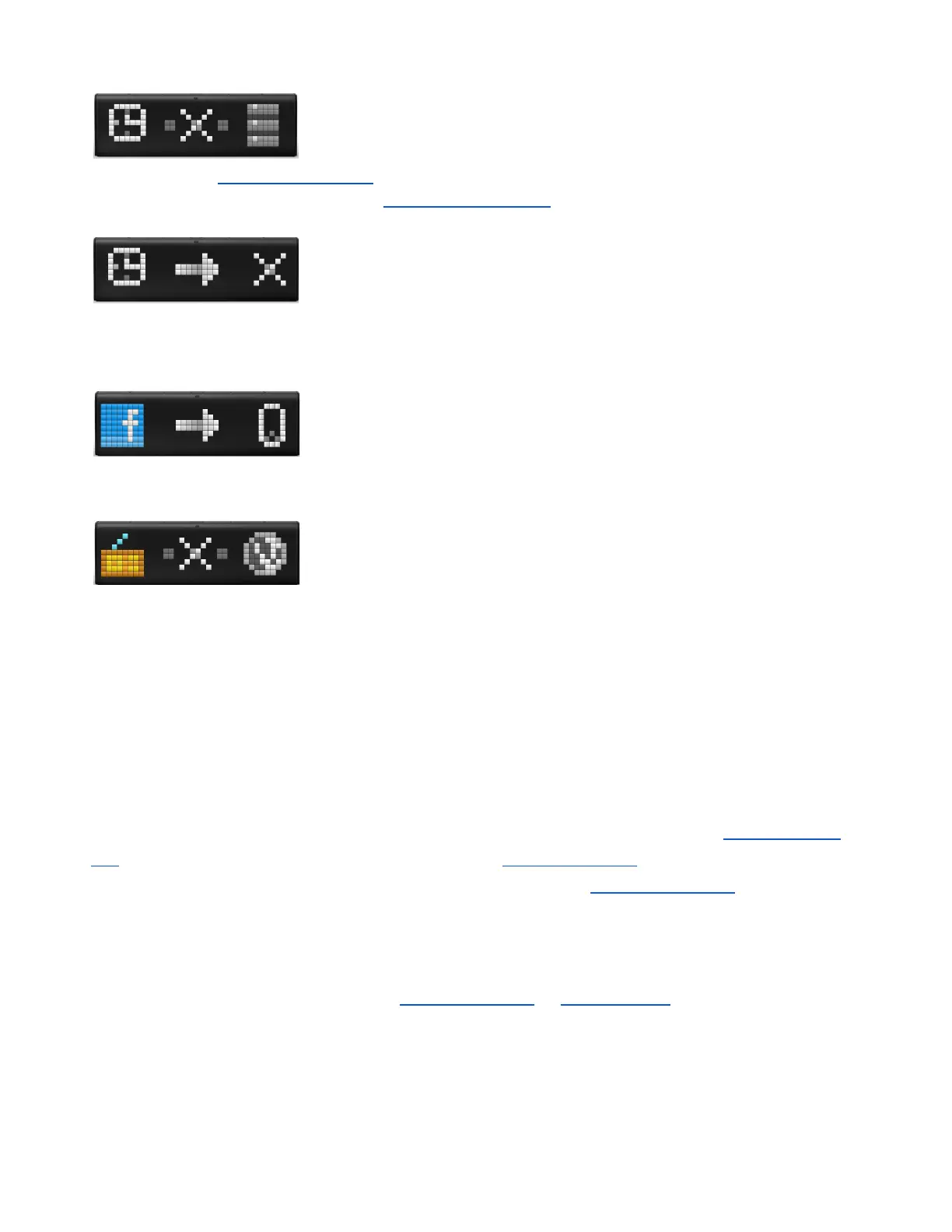
- LaMetric can not connect to the server. Try configuring LaMetic again as
it is described in 3.3.2.Configuration . If the issue persists, please contact our support team. You can
find more information about support in 8.Customer support.
- an app doesn’t work. This may happen because of incorrect settings of
some app (for example, for Facebook Fan Counter you possibly used an account that is not valid). Try
changing settings of the app or contact app developer to solve this issue.
- this app needs some settings in the mobile app. For example, for
Facebook Fan Counter you need to login to your account via mobile app.
- this app needs the Internet. For example, Radio app will not work without
the Internet.
6. LaMetric IFTTT Channel
IFTTT stands for ‘IF This, Then That’ and is a service that connects your favorite devices, apps and
websites with simple rules called ‘applets’. The great news is that you can use IFTTT with LaMetric too!
Using LaMetric IFTTT channel will allow you to get notifications on your device with IFTTT Indicator
app , take IFTTT actions with the click on a button with IFTTT Button app or configure direct notifications
to your LaMetric device without installing any additional apps with Display Notification .
6.1. Get started
1. Sign in to IFTTT and activate the LaMetric channel via IFTTT website or via your IFTTT app. To
start using IFTTT with LaMetric via IFTTT app, open it and tap How to connect . You will be
moved to three easy steps:
59



 To Next Page