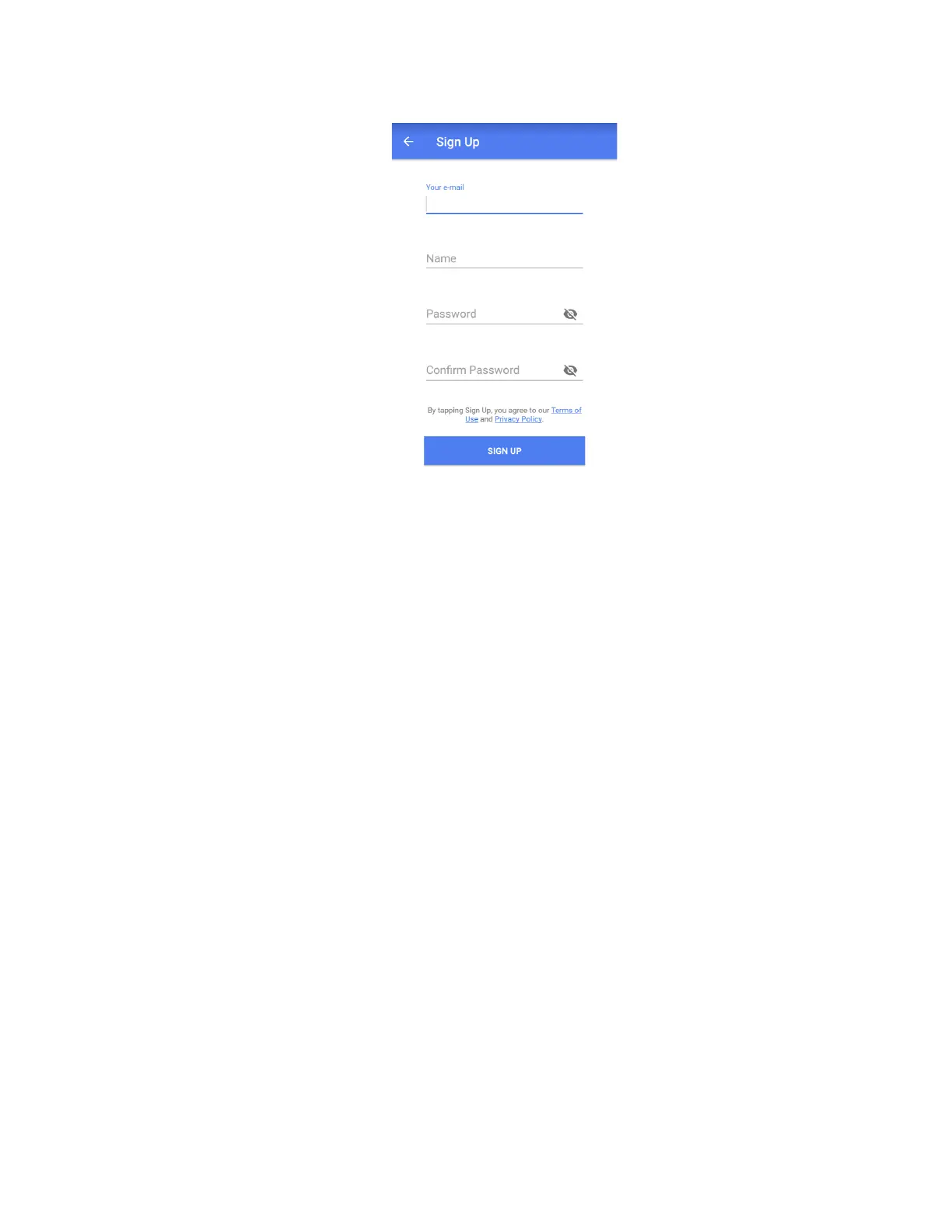
2. Enter your email, name, and password. Confirm password on the last field.
3 . Tap Sign up to complete the registration process.
3.3.2. Configuration
Before connecting LaMetric to your Wi-Fi network please make sure that it supports your network:
LaMetric supports 802.11 b/g/n 2.4 GHz networks.
Please also make sure LaMetric supports your network security:
LaMetric supports
● Open Wi-Fi networks
● Closed Wi-Fi networks with WEP or WPA/WPA2 security. (WEP is supported since firmware
1.1.0)
● Hidden Wi-Fi networks (since firmware 1.1.0, iOS client 1.1.0, Android client 1.0.8).
● Closed Wi-Fi networks with WPA/WPA2-Enterprise security (since firmware 2.0.16, iOS client
2.3.1, Android client 2.3.1) - currently only Protected Extensible Authentication Protocol (PEAP)
with EAP Password (EAP-PWD) authentication method is supported.
6



 To Next Page