3.Get started in 3 easy steps
Now you are holding LaMetric in your hands and can not wait to start using it. Follow three easy steps
to start.
3.1. Step 1. Turn on the device
Connect LaMetric to a power outlet via USB cable and power adapter. Press the On/Off button to start
up your LaMetric.
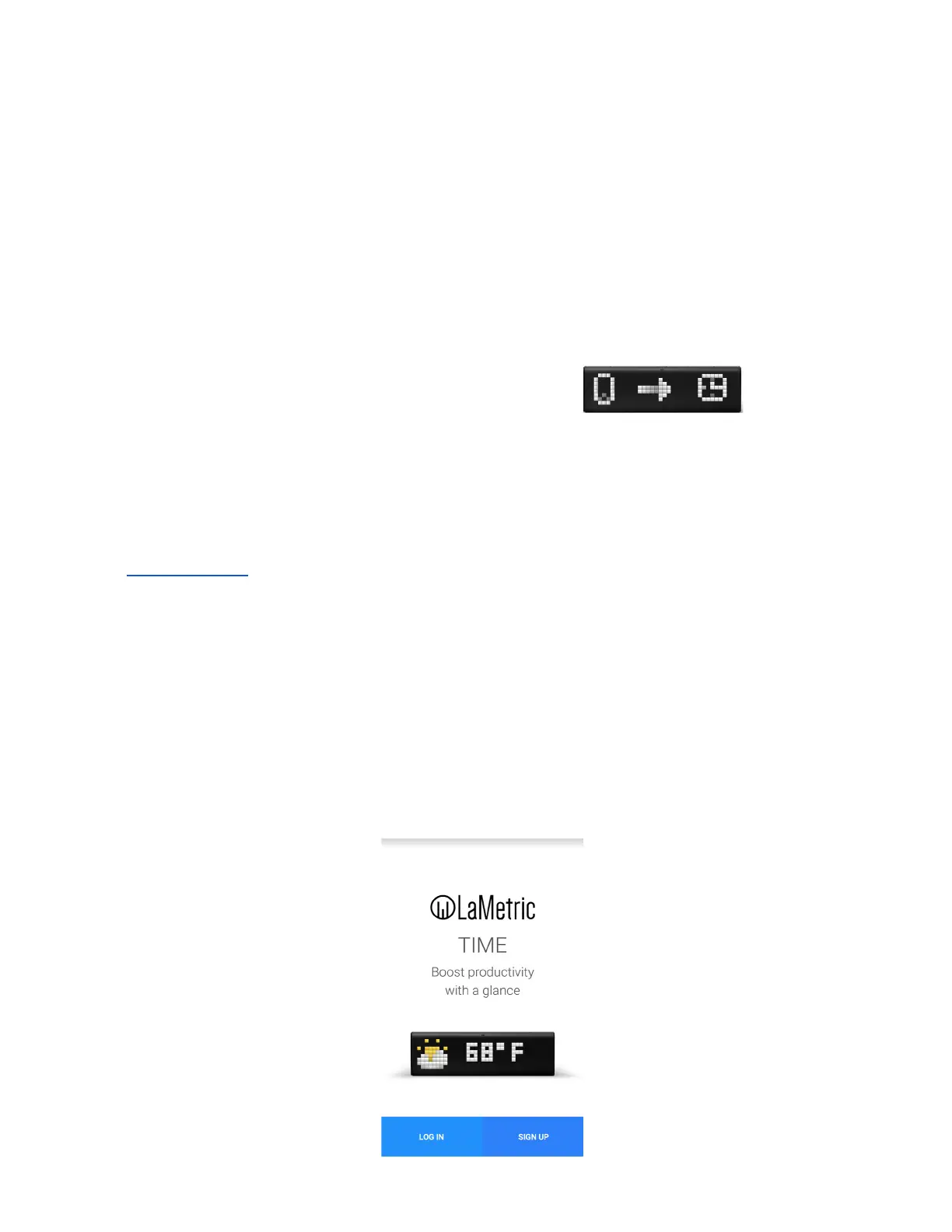
Look at LaMetric screen and you will see an invitation to setup -
It means that your device is waiting while you configure it via the mobile app.
3.2. Step 2. Download smartphone app
Visit go.lametric.com from your smartphone to download iOS or Android app.
3.3. Step 3. Register and configure the device
3.3.1. Registration
At first, you should create an account that will be connected to your device, so nobody else will be able
to change your settings.
1. Open LaMetric app on your smartphone by tapping and choose “Sign up” .
5



 To Next Page