Press the Connect button to activate LaMertic channel and start using awesome applets.
3. Start using the existing applets or create your own.
6.2. Add an applet for IFTTT Indicator app
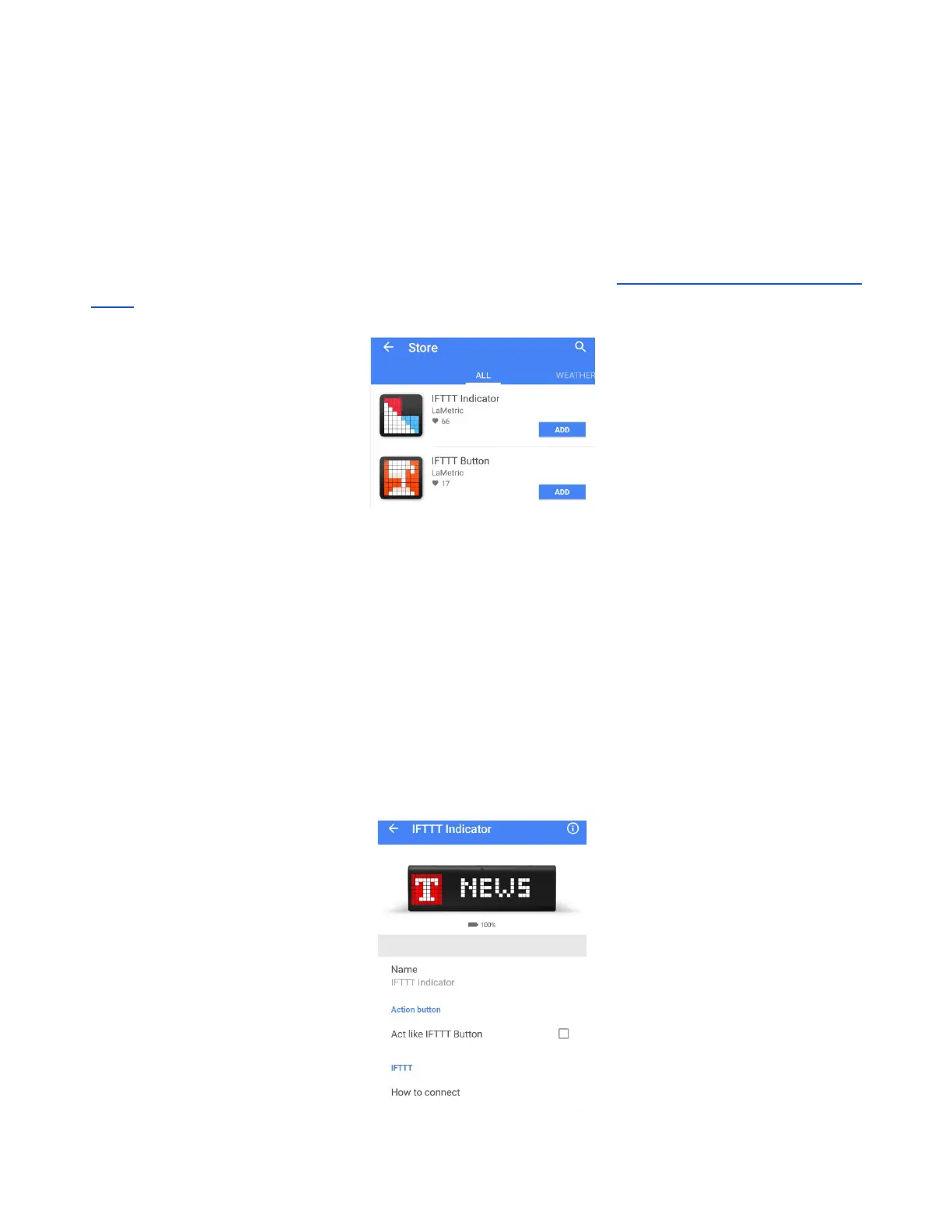
Install IFTTT Indicator or Button app on your LaMetric from the store ( 4.5. Install apps from LaMetric
Store ):
Use this app to receive important notifications to your device and never miss them:
● Track your favorite team's score on your desk
● Rain tomorrow? Get notified and never forget an umbrella
● Go out of the office? Let family know
● Breaking technology news? Notify to the whole team
Applets for IFTTT Indicator app are created on the principle - if something happens, then get the
notification to LaMetric . You may use published applets or create your own.
Before adding an applet you may change settings of IFTTT Indicator app:
61



 To Next Page