You can also make the same actions directly on LaMetric. Press the Action button to start , press it
again to make a pause. Long press of the Action button will wipe all settings and will return to the
beginning.
4.2.5. Timer
Use this app to count seconds in reverse order to zero and to know when a time, that you have set, is
over. You may use this app, for example, while cooking and you will always know when your dish is
ready.
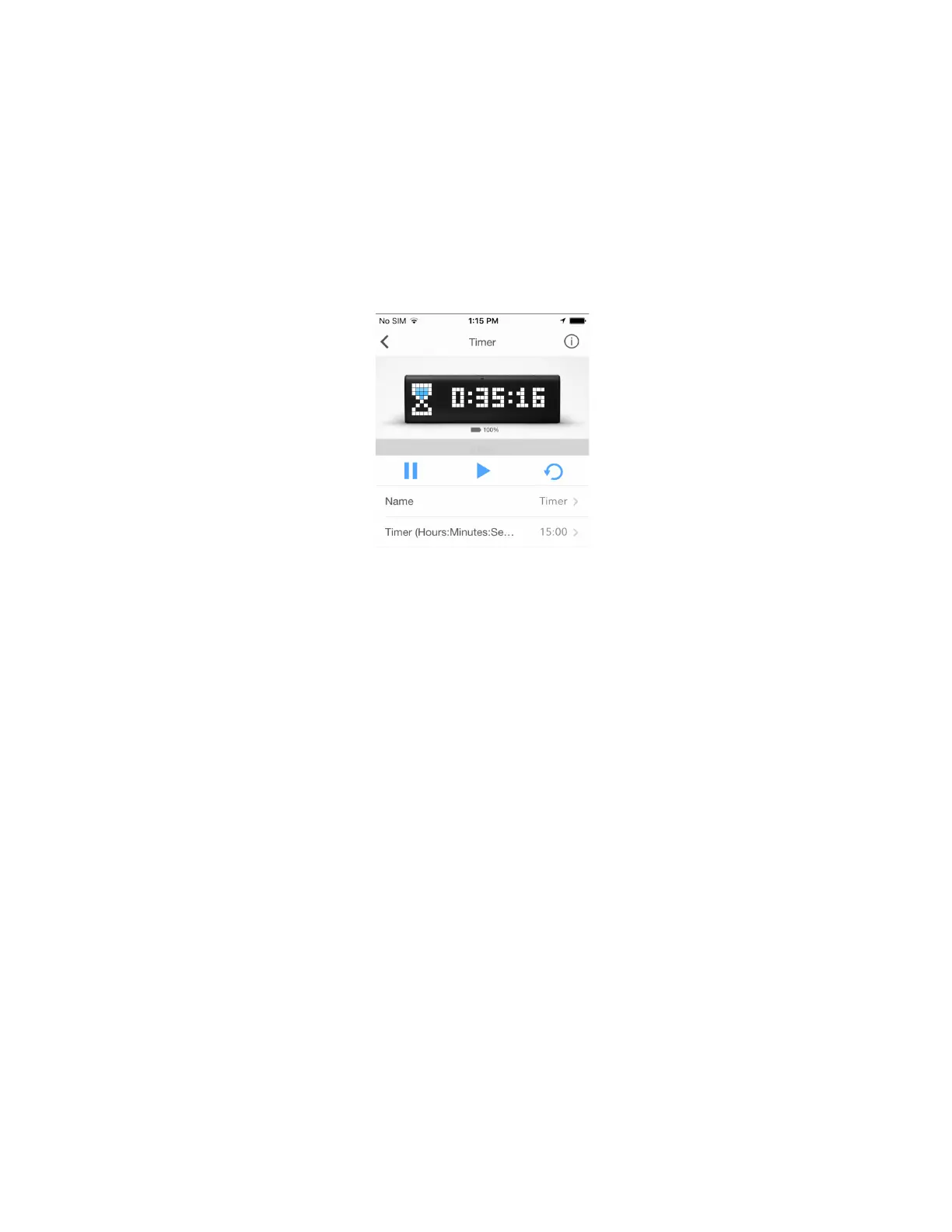
Go to Name > Timer and change it if you wish.
Tap Timer (Hours:Minutes:Seconds) and set a time you need. It will appear on LaMetric.
Use Pause, Start, and Reset buttons on the screen to manage Timer app.
You can also make the same actions directly on LaMetric. Press the Action button to start a
countdown, press it again to make a pause. Long press of the Action button will return to the time, that
was set at the beginning.
At the end of the countdown, you will hear a beep. It means, the time, that was set, is over.
32



 To Next Page