Go to Settings > Bluetooth and enable it. Connect phone or tablet to Bluetooth device called
“LMXXXX” - search it after enabling Bluetooth on your phone. Go to your player and stream your
favorite music.
You can also switch to ‘Stream music’ directly on LaMetric. A long press on the Action button, while
Radio app is on LaMetric’s screen enables it.
While listening to music you may need to change loudness. To do this just press the Volume up or
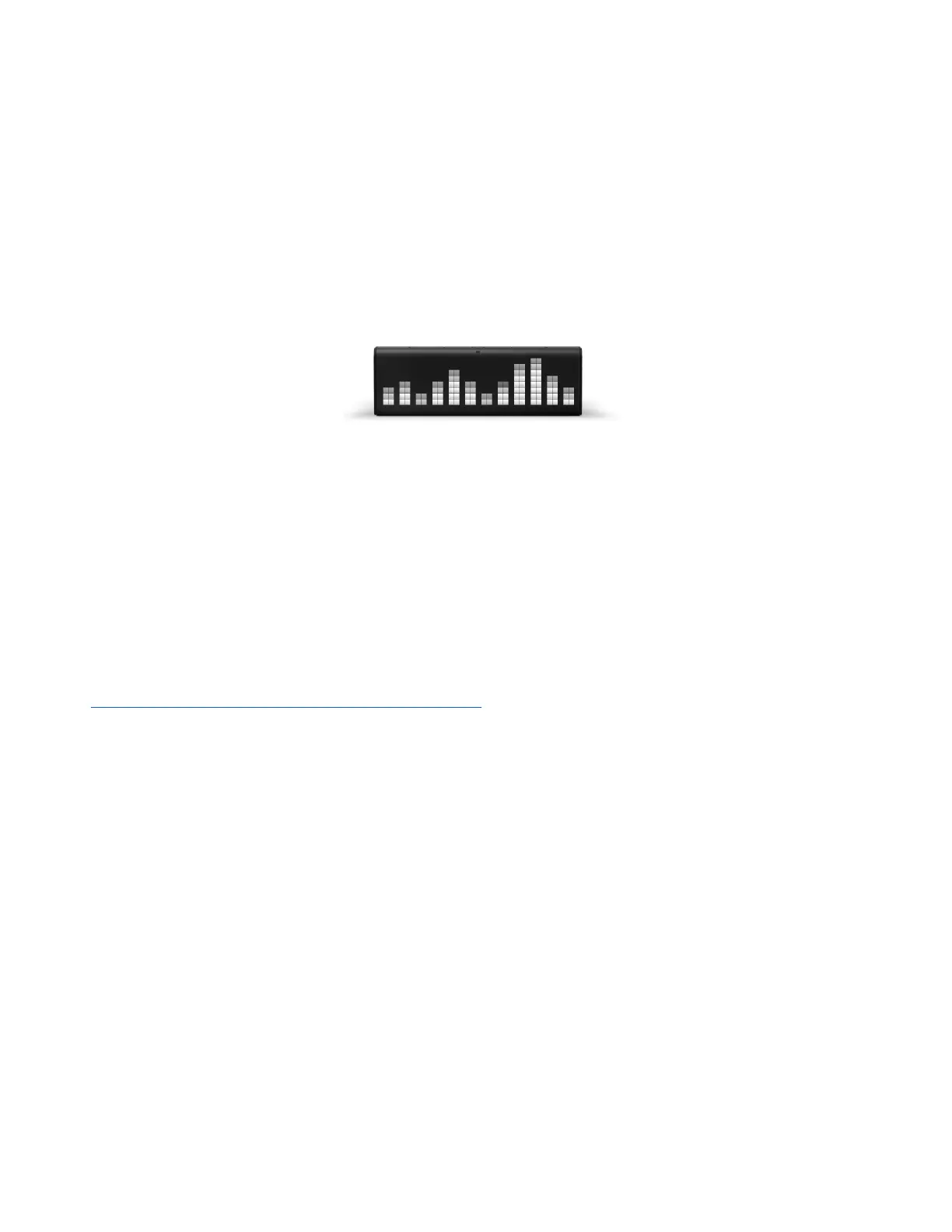
Volume down buttons on the left side of the device. Enjoy the music from two speakers and
visualization of the sound on the device.
Listen out loud with Spotify Connect
1. Connect your LaMetric Time to your wifi network.
2. Open up the Spotify app on your phone, tablet or laptop using the same wifi network.
3. Play a song and select Devices Available.
4. Select your LaMetric Time and start listening.
The Spotify Software is subject to third party licenses found here:
https://www.spotify.com/connect/third-party-licenses .
4.6.8. Smartphone notifications
!!! IMPORTANT !!! Remember to use notifications feature when your LaMetric Time is in private space
only. Otherwise, there is a high risk your personal messages may be shared with the others.
Make sure your LaMetric Time runs the latest firmware version 2.0.0 and your LaMetric smartphone
app is up to date as well.
Please note that your phone must have Bluetooth Low Energy hardware. All iPhones since version 5
already have it. If you use Android – please check your phone’s tech specs.
To get started go to the list of apps at your LaMetric Time app and select Phone :
45



 To Next Page