4.6. Device Settings
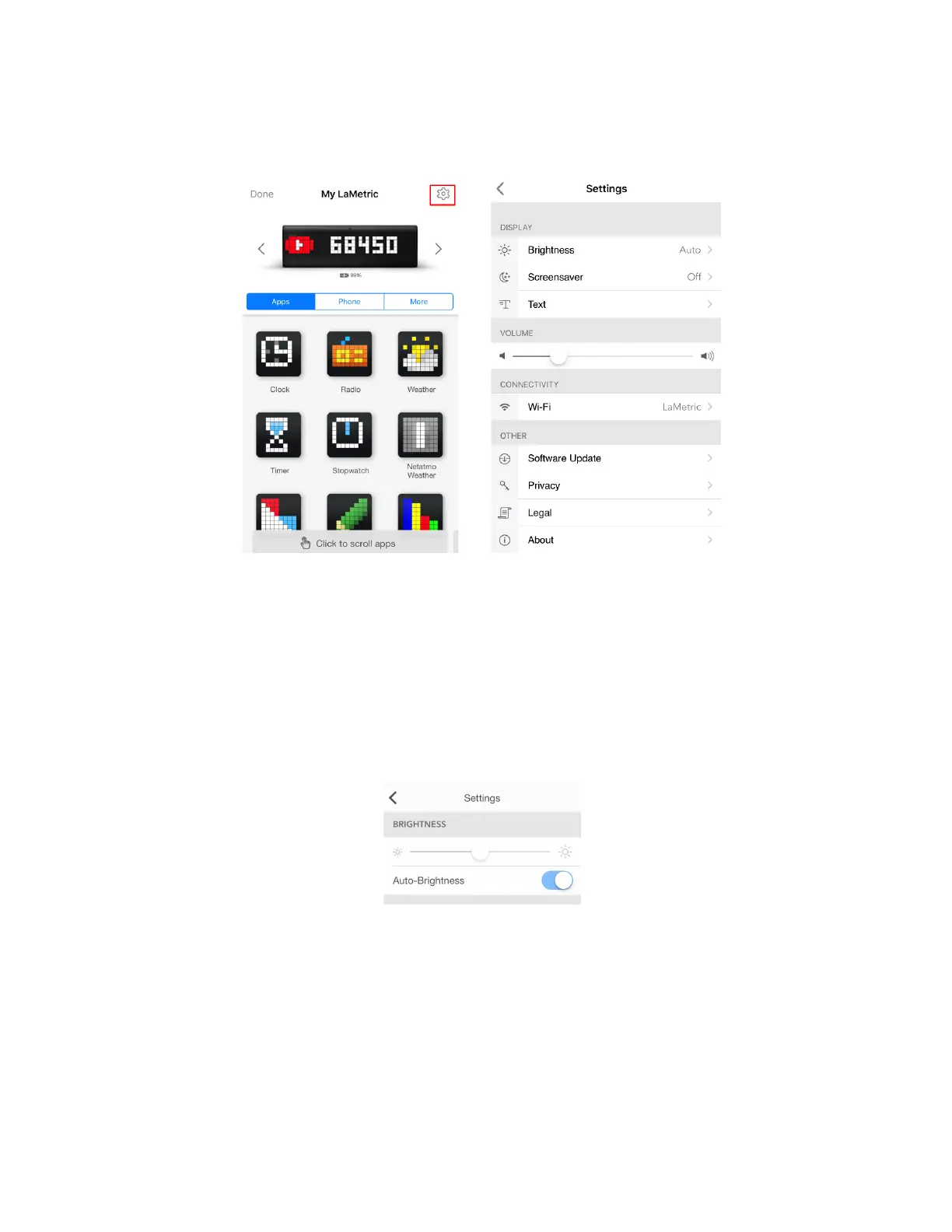
Tap settings icon on the screen with apps to change main settings of your device.
4.6.1. Brightness control
Go to Settings > Brightness and drag a slider left or right to change a brightness of the screen of
LaMetric, if Auto-Brightness is off.
If Auto-Brightness is on, LaMetric adjusts the screen brightness automatically depending on current
light conditions using the built-in ambient light sensor.
Please note, higher brightness drains battery faster (for battery version of LaMetric).
4.6.2. Screen Saver
This option will be useful for the ones who use LaMetric at a bedside.
Screen Saver is used to decrease distraction at night. The brightness of the display is decreased to the
low level while you sleep, however, you will still see a time on LaMetric once you wake up at night.
41



 To Next Page