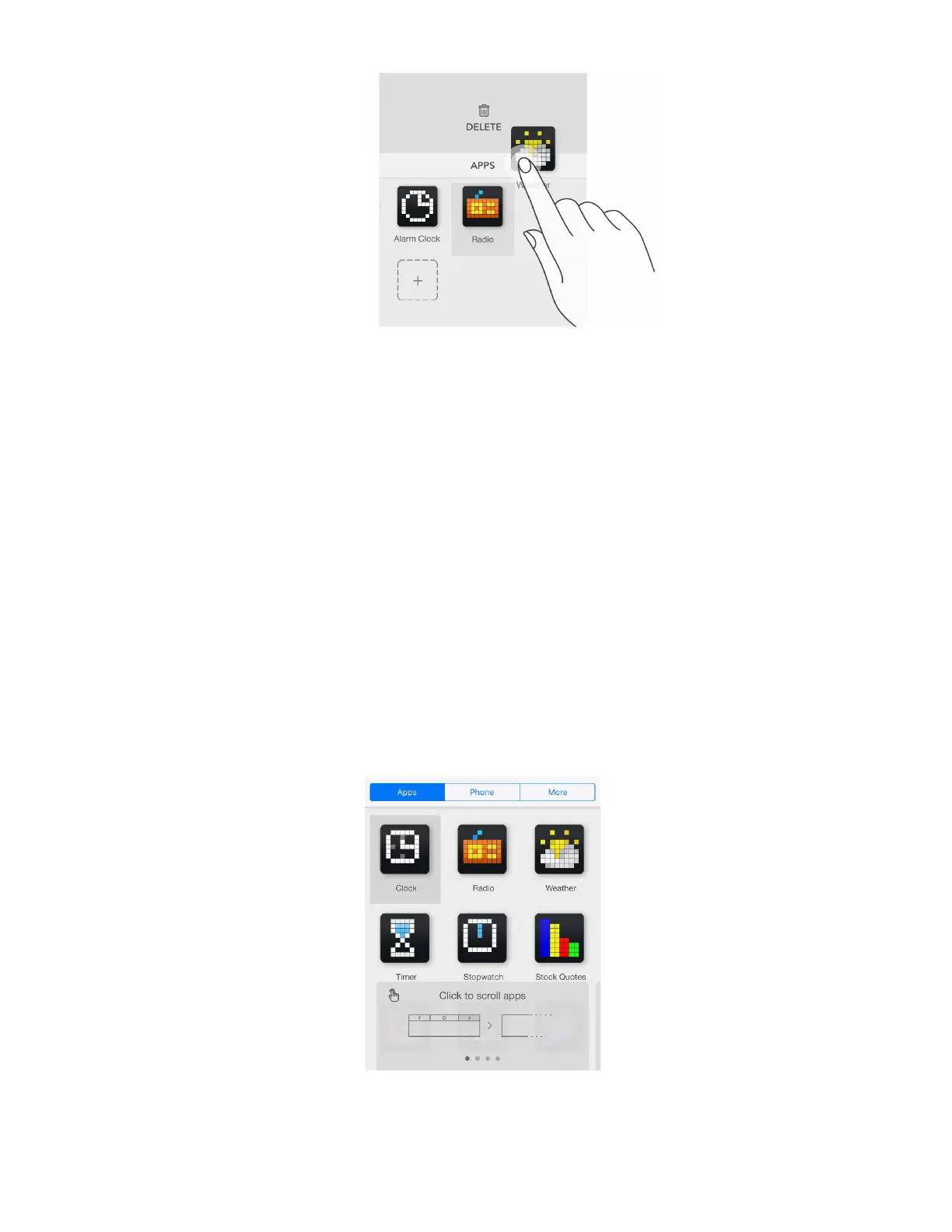
Clock and Radio apps should be always installed on LaMetric, you will not be able to remove them.
4.4. Working modes
Working modes are responsible for the way how apps are switched on LaMetric. To select an
appropriate way of apps changing on LaMetric screen use the Mode Switcher on the bottom of the
screen with apps. Select work mode by swiping right or left.
4.4.1. Click to scroll apps
If you want to change apps on the screen of LaMetric using navigation buttons on the device, choose
Click To Scroll Apps . This mode should be used mostly when LaMetric stands on your desk and is
used for your own necessities. To switch between apps on the device just press the Right or Left
navigation button .
34



 To Next Page