Short press the On/Off button will always return you to Clock app.
5.3. Charging
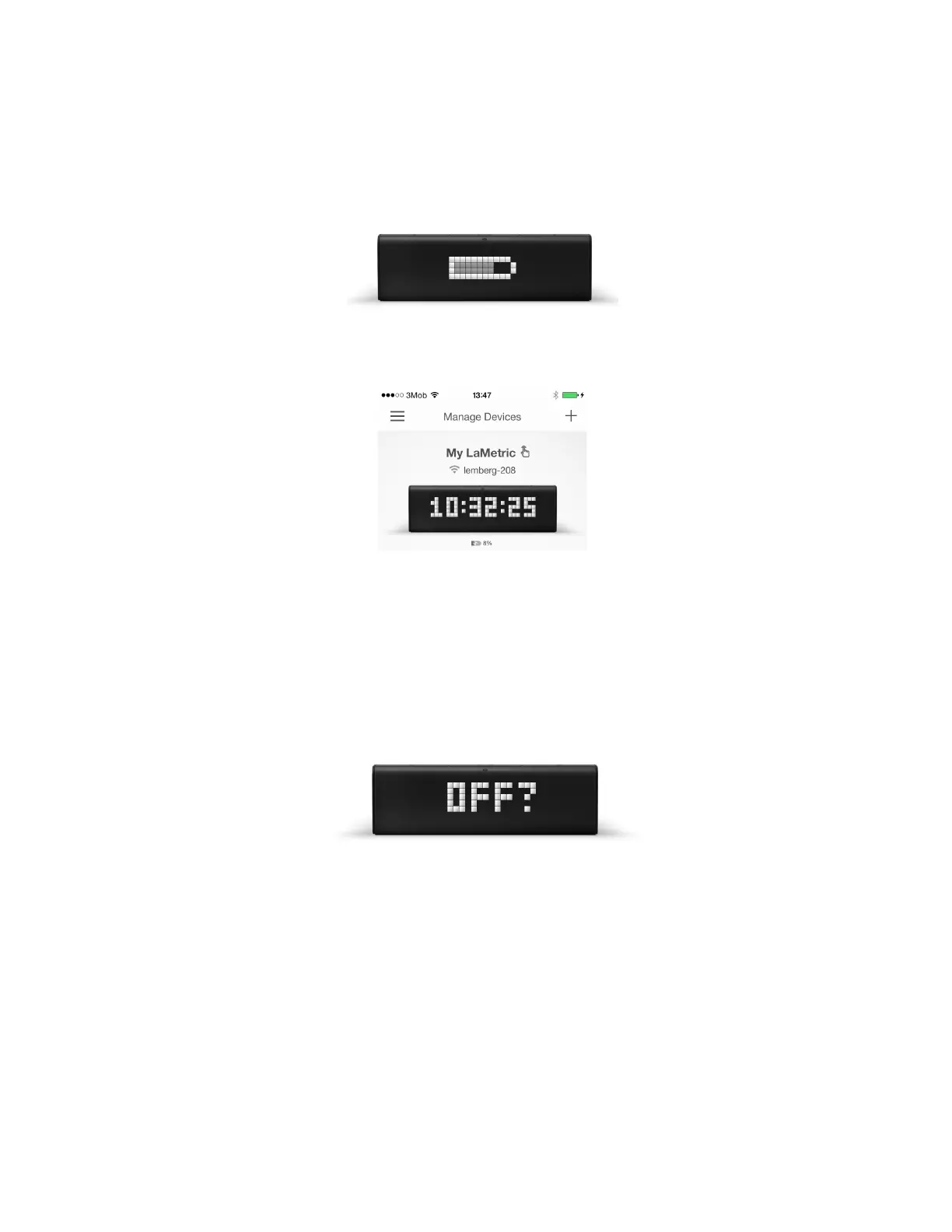
If you have battery-operated LaMetric and need to check a battery level, disconnect it from a power
outlet. The battery icon will appear on the screen.
Battery level is also displayed on mobile app under LaMetric on Manage Devices screen.
If you see the low battery icon on the screen, charge the device by connecting to the power outlet via
USB cable and power adapter.
5.4. Switching off
If you wish to power off the device, press and hold the On/Off button for about 3 sec. When ‘OFF?’
message appears, click the Action button .
5.5. Resetting to factory defaults
If you want to wipe all settings or register LaMetric under another account, you may reset the device to
its default factory settings.
To do this, switch the device off, then press and hold the On/Off and the Volume up buttons
simultaneously and start LaMetric in Recovery mode. There you will see a menu where you can choose
between ‘RESET’, ‘REBOOT’ or ‘MOUNT’ by clicking on Left or Right navigation button. When
‘RESET’ message appears, press the Action button to reset your device to factory default settings.
54



 To Next Page