Now you can create another account to connect your LaMetric to and configure it.
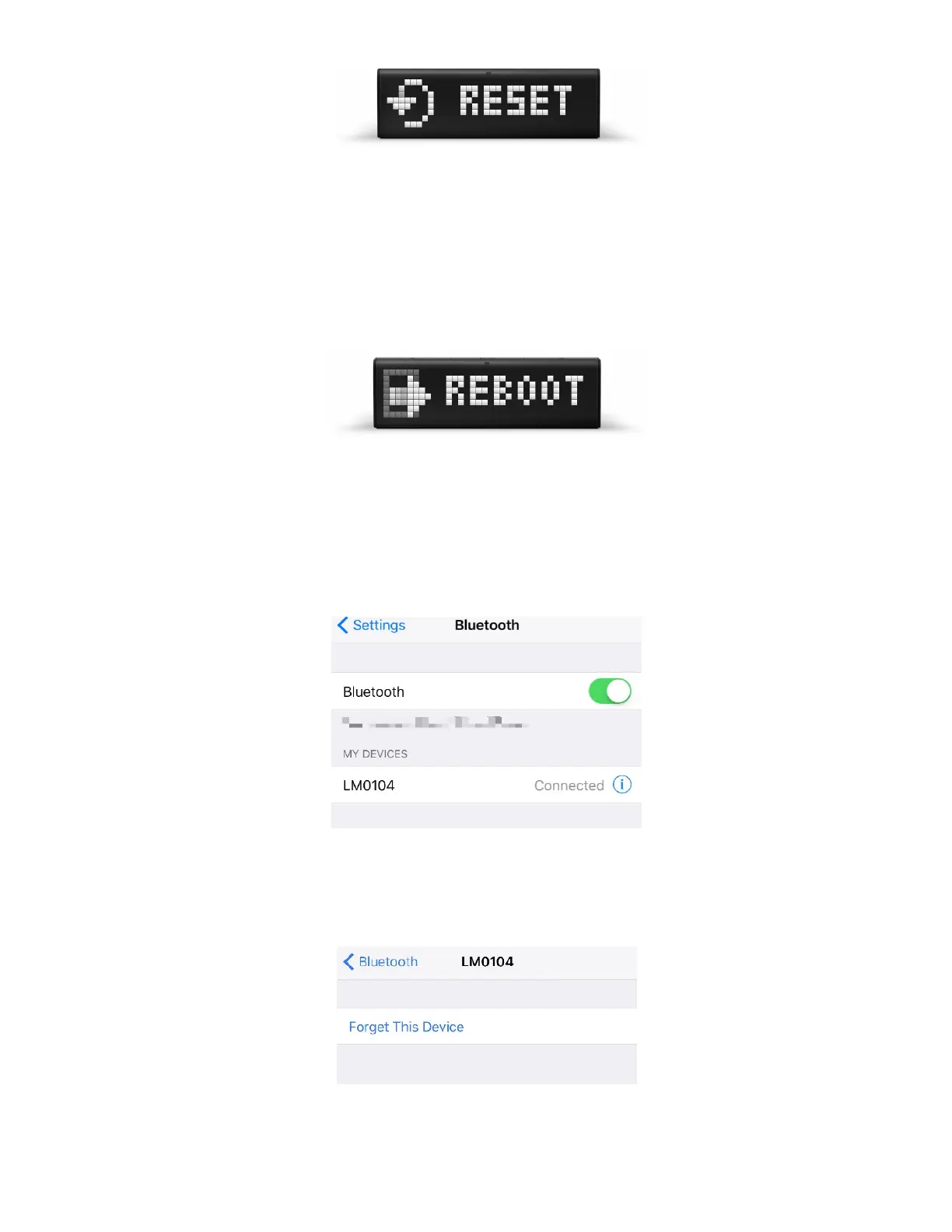
If you see ‘RESET’ message on the screen but you are not sure you wish to reset the device, press the
Left or Right navigation button . When ‘REBOOT’ message appears, press the Action button to
reboot the device from Recovery to Normal mode.
Important : if you used LaMetric smartphone notifications before and your LaMetric Time was resetted,
please follow the next steps to be able to use LaMetric smartphone notifications feature again:
- Go to your phone’s Settings => Bluetooth
- Select Connected devices (your LaMetric Time will be displayed as following: ‘LMXXXX’). Tap
‘ Forget this device ’:
55



 To Next Page