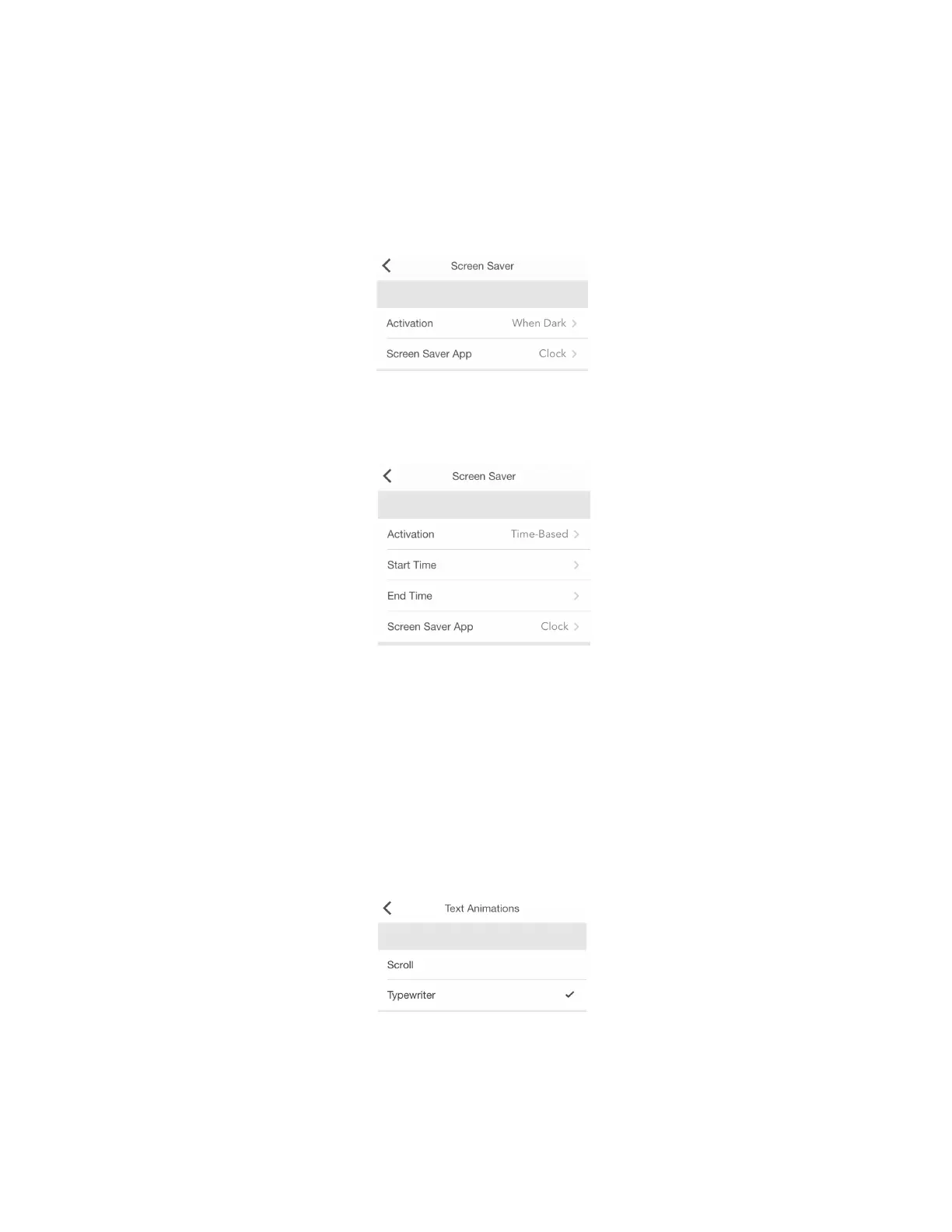
To activate Screen Saver go to your LaMetric's Settings > Screen Saver > Activation . Choose an
option for the activation: When dark or Time based.
If you chose the option When dark , Screen Saver will be activated when it is completely dark in the
room. It will be deactivated in the morning or if you turn the light on in a room.
If you chose the option Time based , you will be able to set start and end time for Screen Saver.
Please note that Screen Saver becomes available only if Auto-Brightness is enabled.
4.6.3. Text animation
You can choose the style of text animation to make it more suitable for you. Go to Settings > Text >
Text Animation (iOS) or Settings > Display > Text Animation (Android) and select the style among
two available:
- Scroll
- Typewriter
If you choose the Typewriter , the option to control the speed of text becomes available. Please read
the next clause to find more information on it.



 To Next Page