5. Device usage
5.1. Switching on
Connect LaMetric to a power outlet via USB cable and power adapter. Press the On/Off button to start
up your LaMetric.
5.2. Using apps and navigation between them
When LaMetric is configured, as it was described in 4. Configuration via the application , you have
already 5 apps installed. They are working autonomously and you do not need to use your smartphone,
only if there will be a necessity to change some settings of apps as in 4.2.1.Clock , 4.2.2.Weather ,
4.2.3.Radio , 4.2.4. Stopwatch , 4.2.5. Timer .
Please note that such apps as Clock, Stopwatch and Timer do not need Internet access, but Radio and
Weather will not work without it.
5.2.1. Using apps
Using apps is also possible with the help of buttons directly on LaMetric.
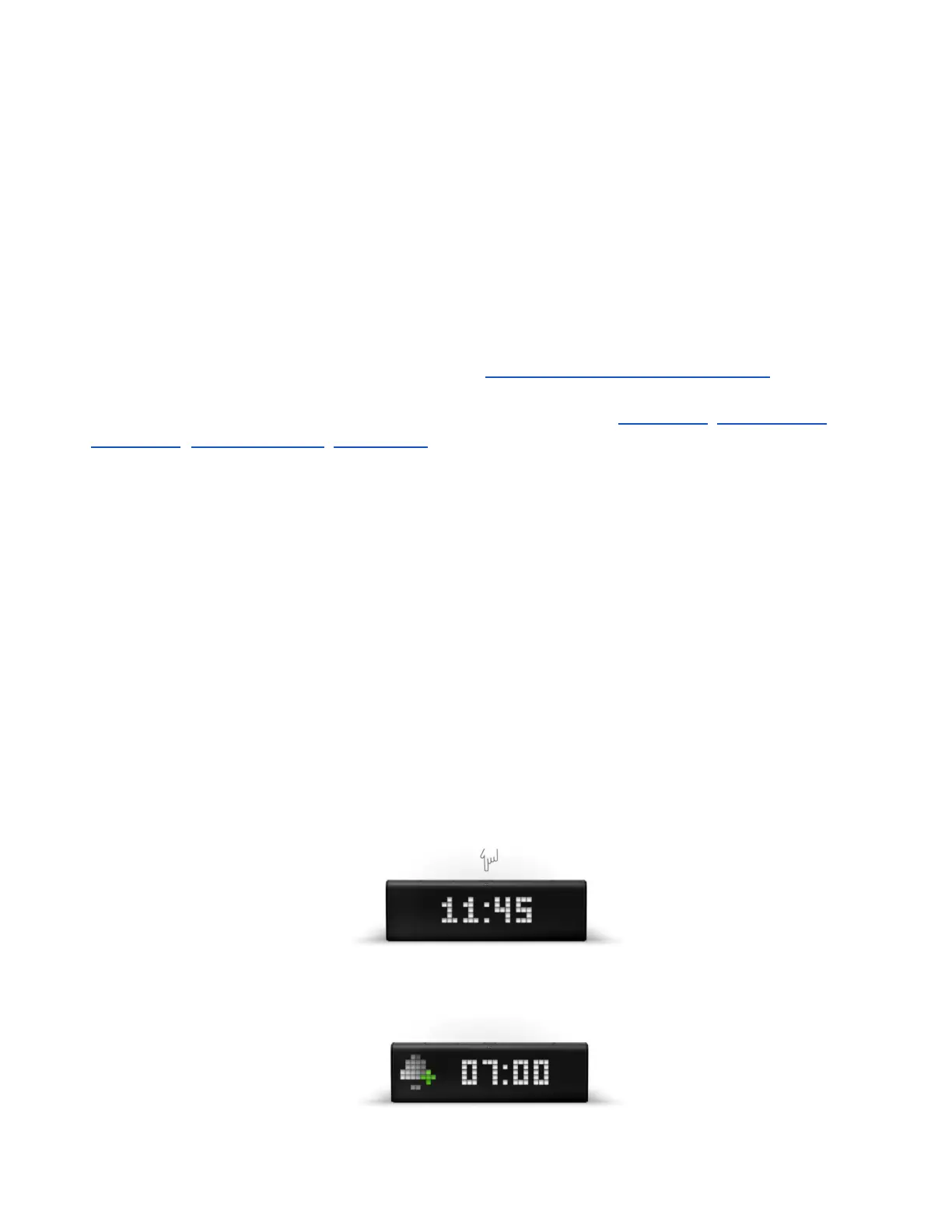
Clock. You can set an alarm directly on LaMetric:
● To see alarm configuration (whether alarms are on or off and what time was set) use short press
on the Action Button when you see current time on your device (if you press it again, you will
be moved back to clock).
● Long press on Action Button will disable all alarms
● Then (while you see 'Add alarm screen') press and hold a few seconds the Action Button to
enter edit mode and have possibility to change alarm settings
51



 To Next Page