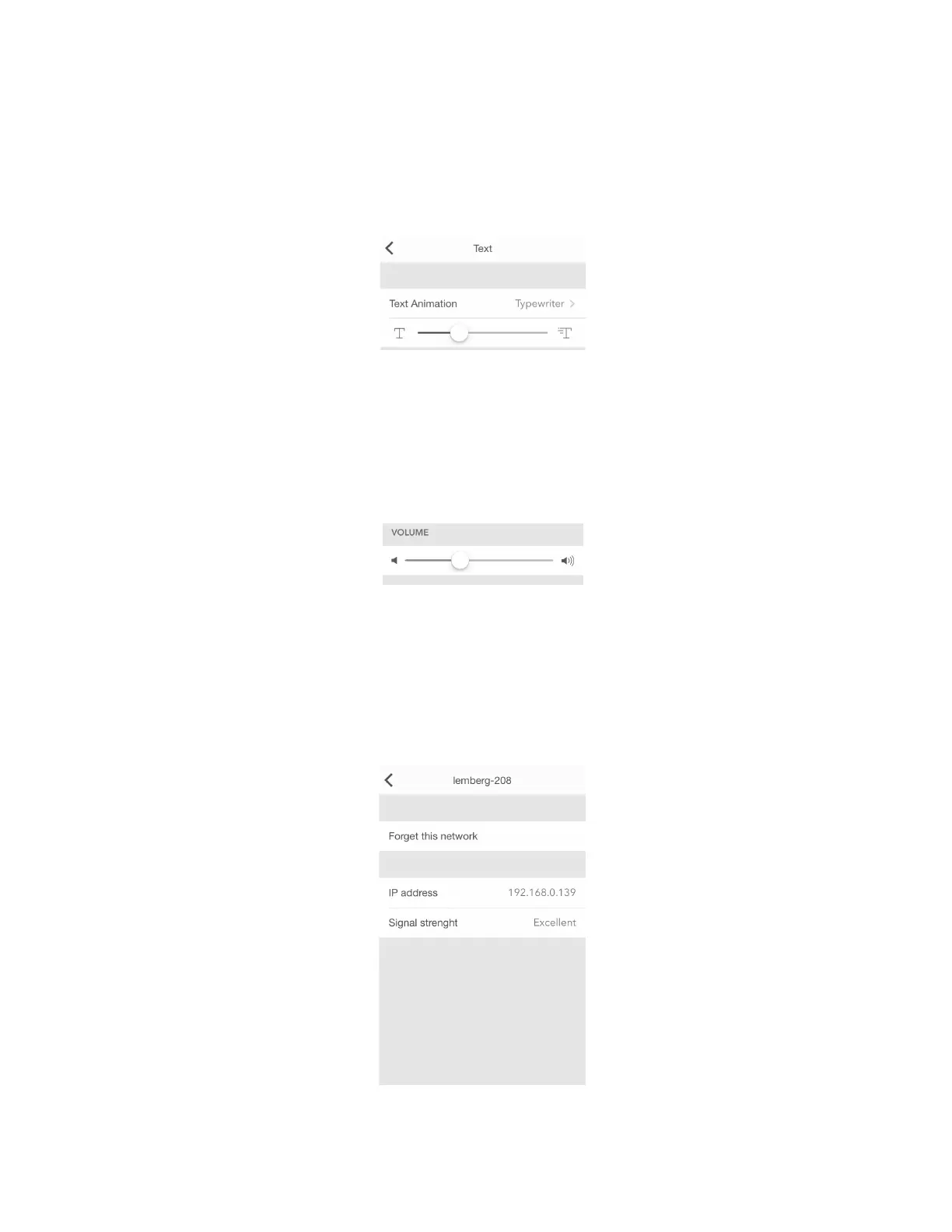
4.6.4. Text speed control
To slow down the text (for example, the name of songs that you listen to or some notifications that
appear on the device) and control its speed, please use the Typewriter option. Go to Settings > Text >
Text Animation > Typewriter (iOS) or Settings > Display > Text Animation > Typewriter (Android)
and chose a comfortable speed of text.
4.6.5. Volume control
Go to Settings > Volume and drag a slider left or right to select a suitable volume. Minimum volume is
to the left, maximum to the right. Changing volume directly on LaMetric is possible too with the help of
Volume up and Volume down buttons.
4.6.6. Wi-Fi connection
Go to Settings > Wi-Fi to know what Wi-Fi network your LaMetric is connected to. There you can see
your IP address and Signal strength . You can also tap Forget this network if you want to connect
LaMetric to another Wi-Fi network.
43



 To Next Page