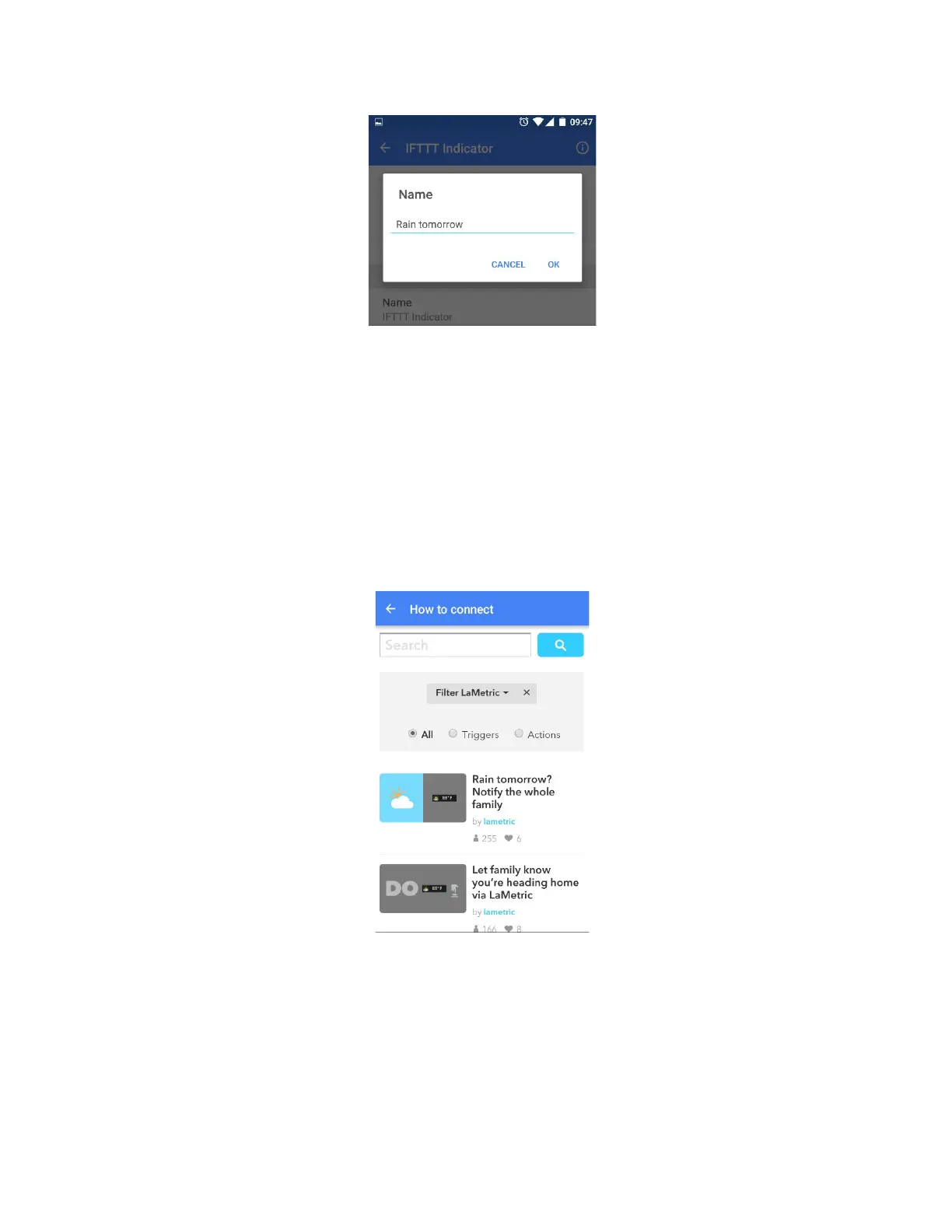
1. Change the name of your app if it is needed.
2. Enable ‘Act like IFTTT button’ if you wish to add an applet to take some actions with pressing
the Action button. If you choose this option you will be able to create two applets for one IFTTT
Indicator app: one - for notifications, another - for actions.
3. Enable notifications and choose a sound of notification.
After all settings are made, you may add an applet you wish. To make it follow next steps:
● Tap Applets and use search or filter to find an applet faster.
● Tap on the name of the applet you wish to add.
62



 To Next Page