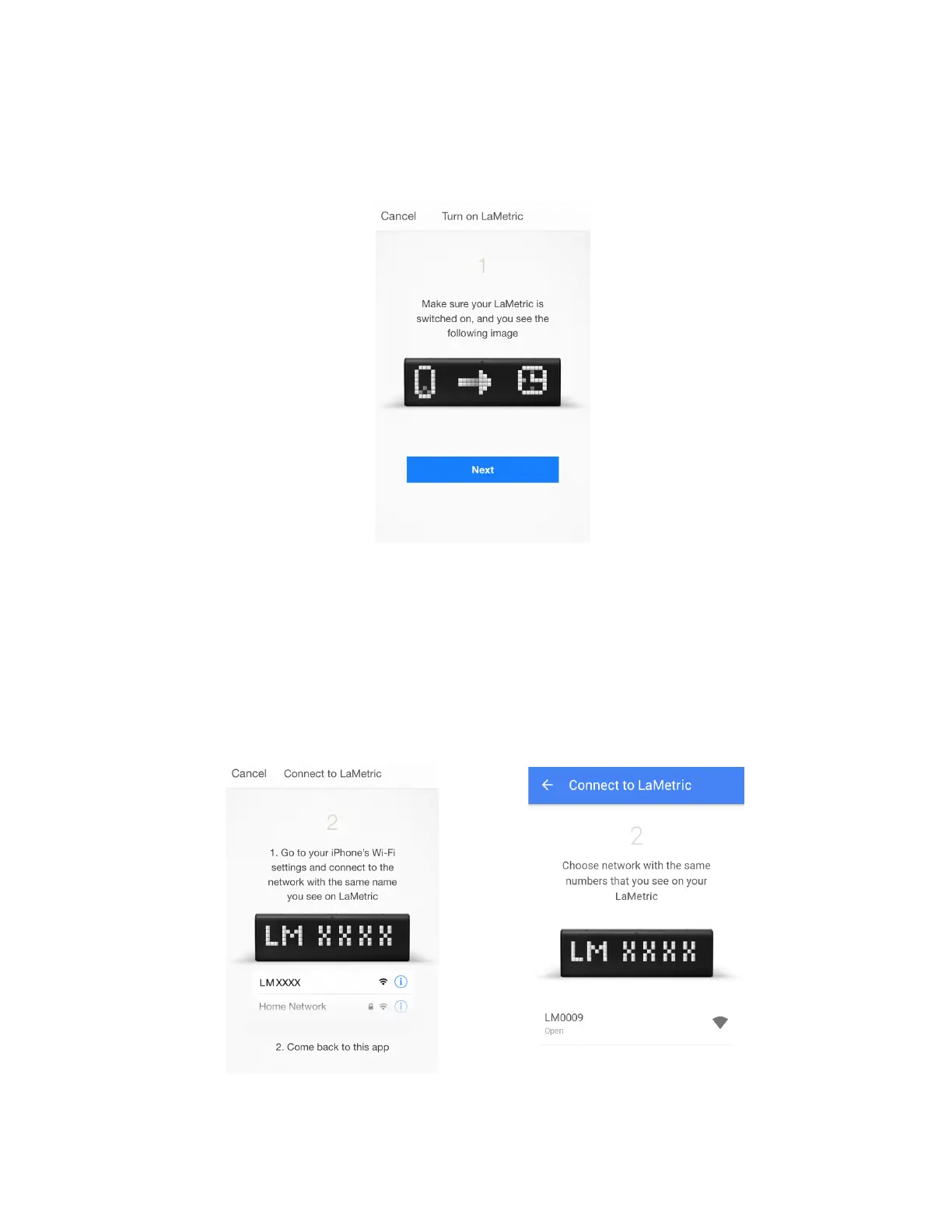
Now you can start to configure your device.
1. Make sure LaMetric is ready. Look at LaMetric, it should be waiting for connection from your phone
or tablet. Tap Next to continue.
2. Connect to LaMetric. Now you can see the unique name of your LaMetric on the screen. You
should connect your smartphone or tablet to the Wi-Fi network with this name.
● If you use iPhone, just press the Home button on your smartphone and go to your iPhone’s
Wi-Fi settings. Choose network with the name which you see on LaMetric. Come back to
LaMetric app.
● If you use Android, simply choose a network with the same name which you see on LaMetric.
iOS Android
7



 To Next Page