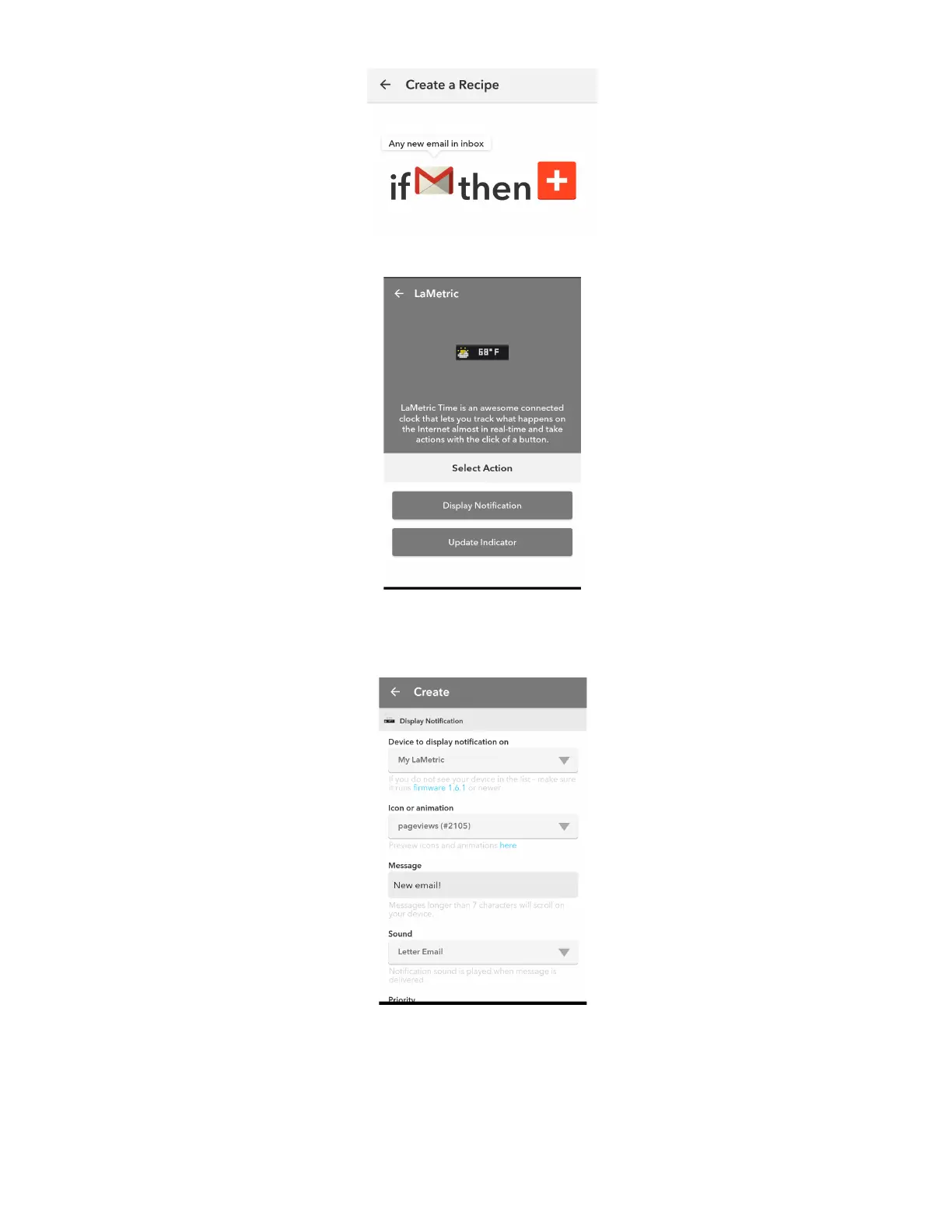
Choose Display Notifications on LaMetric Channel:
Choose settings (choose device to display notification on, icon, sound, type a message that you want
to be displayed):
With Display Notification you can configure notification sound as well as the priority of the notifications.
There are two notification priorities : normal and important.
● Normal priority is useful for informational messages, like RSS news or twitter. They will be
ignored when the screen saver is active and will not interrupt your sleep.
73



 To Next Page