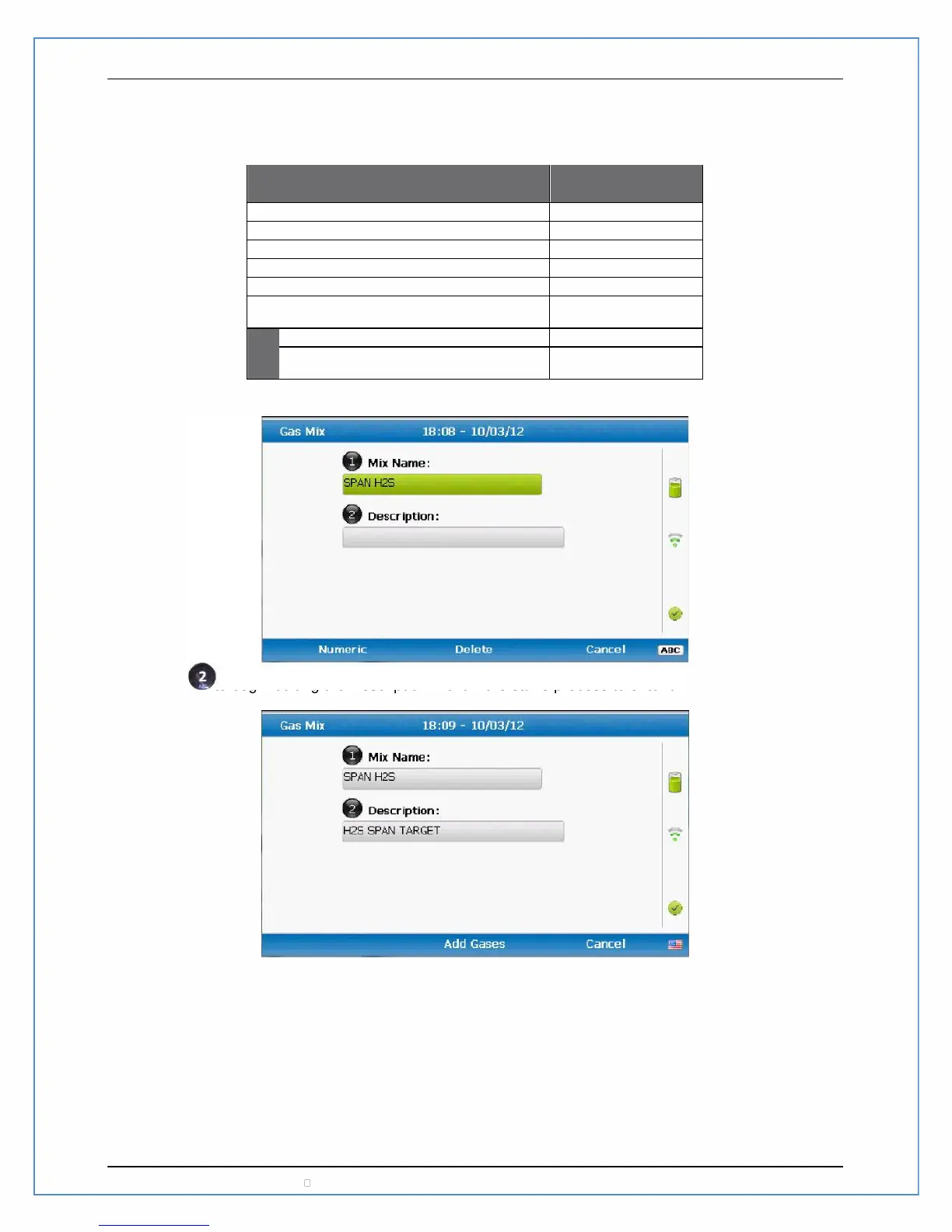
Now press to begin editing the Description. Follow the same process to enter the Description as for
the Mix Name.
Press “Add Gases” to define what gases will be a part of this gas mix. Remember that gases should be
zeroed and then spanned. With this basic rule this span gas for this example will be defined for H2S and
not for any other gases. Press the button to toggle the pump between ‘Manual’ and ‘Automatic’
operation of the pump. As a general rule, if the gas is in a calibration gas cylinder then this should be set
to ‘Manual’. If the gas is atmospheric or in a non-pressurized container such as a Tedlar bag then the
pump should be set to ‘Automatic’. Irrespective of the pump definition in the Gas Mix setup, it can be
overridden while checking and calibrating with gases.
5K-MNL-GEM5000 GEM5000 Gas Analyzer
For example, to enter the Mix Name of “SPAN H2S” you would enter in the following key sequence on the
numeric keypad. If you make a mistake press the center for Delete even if it is not labeled on the
screen.
to end the entry for the Mix Name
Page 106 Copyright LANDTEC North America, Inc. V1.13



 To Next Page