Proline Low-temperature Thermostats
28 Starting up YACE0072 / 21.08.07
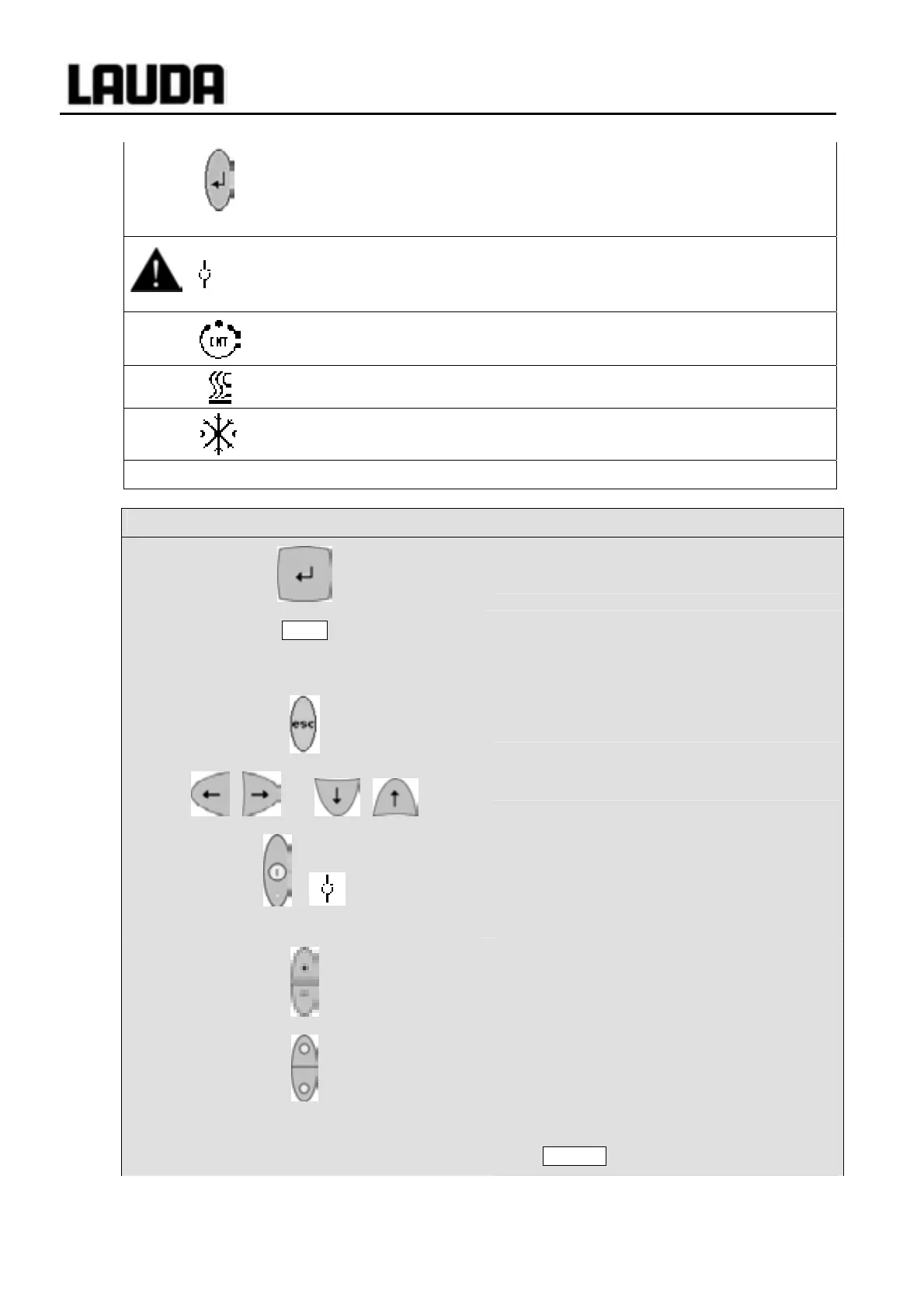
− The following always applies: After termination of the relevant
settings, they are accepted automatically after approx. 4 s
or
− the setting is accepted immediately with the Enter key.
and
− Fault signal: Flashing red Alarm LED and acoustic signal.
− An acoustic signal can only sound when it has not been
intentionally deactivated! (Ì 7.8.6).
− The bath control occurs via the external temperature probe when
the green LED is lit.
− Heating is active when the yellow LED is lit.
− Cooling is active. When the setpoint temperature is lowered, it may
take up to one minute before the blue LED is lit.
EXT
− The temperature of the external probe is displayed.
Command
− Enter key ("Confirm selection") and go
back one level.
End
− Soft key function to confirm a selection or
input and to return to the main display
window.
− Escape key to quit a window without
changes and to go back one level.
− Cursor keys for Up, Down, Left and Right.
+
− Standby activation (pump, heater and
refrigerating machine are deactivated
when the yellow LED is lit).
However, timer continues to run! Refer to
safety information in Ì 7.7.3.
Duo key:
− Top: Decimal-point key.
− Bottom: Key for arithmetical sign.
− Soft keys: 5 duo-keys, which each have
the function shown in display above them.
Soft-key entries are shown framed in the
operating instructions. Example: You
would like to change the setpoint
temperature then press the duo-key under
T
set
.



 To Next Page