Proline Low-temperature Thermostats
80 Starting up YACE0072 / 21.08.07
− A new segment is produced by moving
the cell with the black background to a
blank line with the cursor keys and then
pressing the soft key Insert . The
values of the cell located above it are
automatically copied.
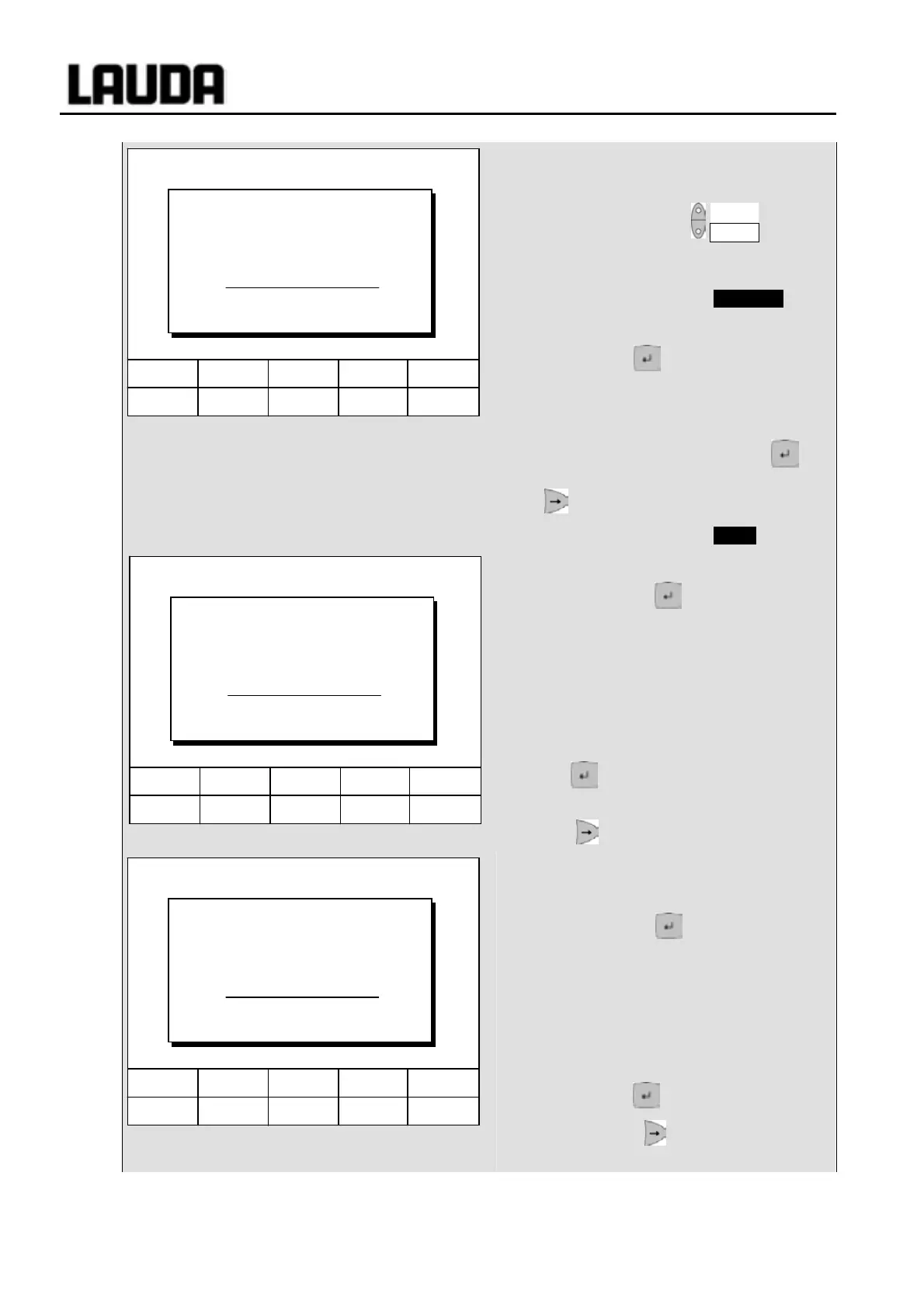
− If the field in the column T end °C has a
black background, the entry mode "End
of segment temperature" is obtained by
pressing the key. Depending on the
setting, that is the temperature, which the
thermostat is to achieve on the internal or
external temperature probe.
− Enter the value, confirm with the key
and continue to the "Time" entry field with
.
− If the field in the column Time " has a
black background, the entry mode for the
"Segment time" time setting is obtained
by pressing the key.
− If 0 is entered into the field "Time", ------
appears. Then the final temperature is
approached as quickly as possible. With
a time entry the final temperature is
obtained exactly after the time expires
(ramp).
− Enter the segment time and confirm with
the key.
− Continue to the "Tolerance" entry field
with .
− If the field in the column "Tolerance" has
a black background, the entry mode for
the "Temperature tolerance" is obtained
by pressing the key. It defines how
accurately the end of segment
temperature is to be obtained before the
next segment is processed.
A tolerance which is selected too small
can stop the next segment from being
started according to plan.
− Set the temperature tolerance and
confirm with .
− Continue with to the entry field
"Pump".
Hel
Menu Screen T
set
T
fix
6 7 8 9 0
Temp. tolerance (0=off):
10.00
Min: 0.00°C Max:450.00°C
Hel
Menu Screen T
set
T
fix
6 7 8 9 0
1 2 3 4 5
End of segment temperature:
25.00
Min: -150.00°C Max:450.00°C
Hel
Menu Screen T
set
T
fix
6 7 8 9 0
1 2 3 4 5
Input segment time:
003:00
Hours(max.999):Minutes



 To Next Page