Proline Low-temperature Thermostats
YACE0072 / 21.08.07 Starting up 81
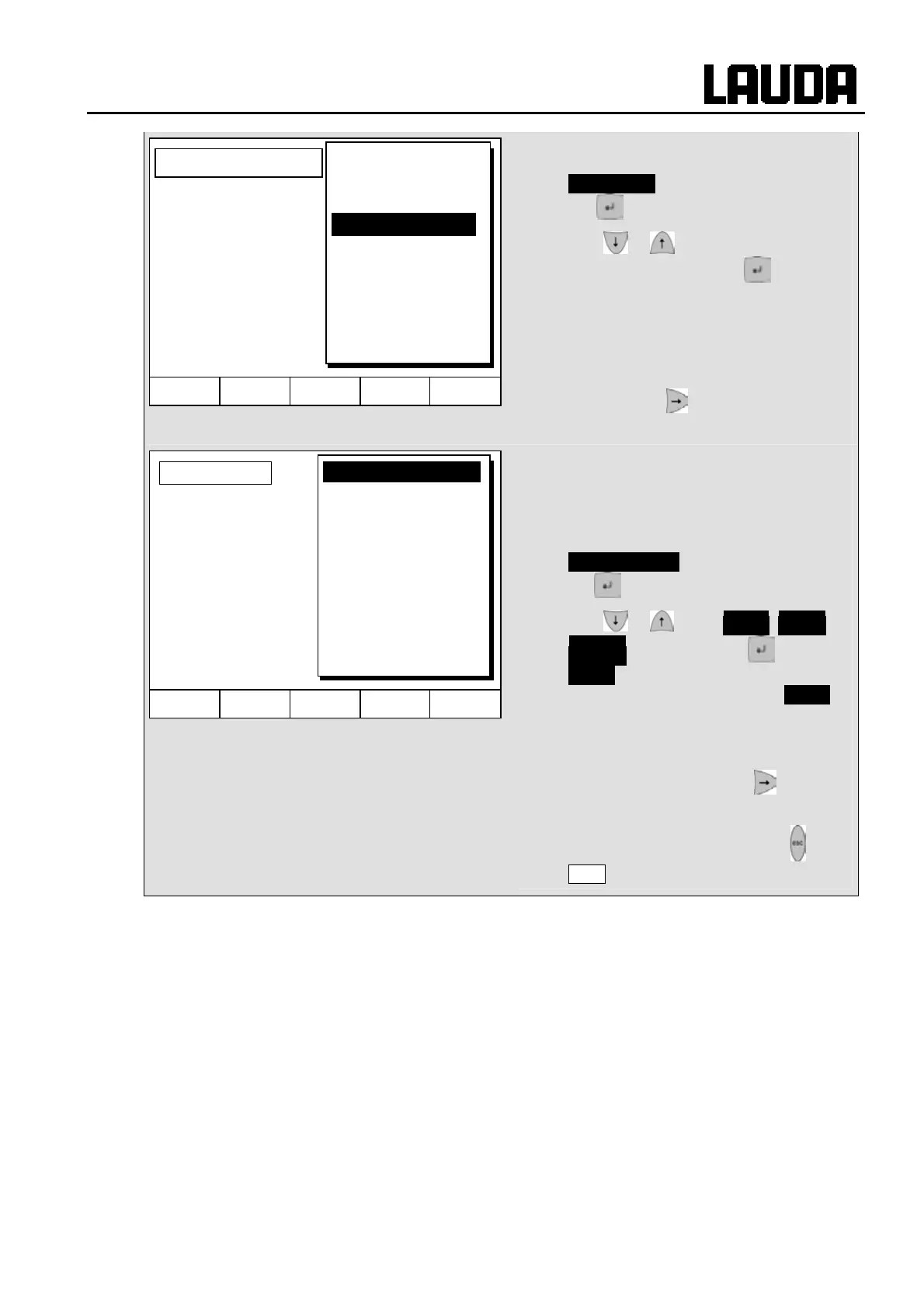
− If the field in the column "Pump" has a
black background, the entry mode for the
Pump level is obtained by pressing the
key .
− With or select Pump Level 1 – 8
or ------- and confirm with .
------ stands for "no change to previous
segment", i.e. when “------“ is present in
all fields, the pump level always retains
the start setting or the setting before the
program start.
− Continue with to the field "Out 1",
"Out 2" or "Out 3".
− The contact outputs of the contact
module (if present, special accessory)
are programmed here.
− If the field in the column "Out 1" has a
black background, the entry mode for the
Contact output is obtained by pressing
the key.
− With or select ------- , Open or
Closed and confirm with .
------- stands for no change with respect
to the previous segment, i.e. if ------- is
present in all fields, the contact setting of
the start setting or that from the program
start is retained.
− If applicable, continue with to "Out 2"
and "Out 3".
− Programming is terminated with or
End .
Hel
Menu End T
set
T
fix
Level 8
Level 7
Level 6
Level 5
Level 4
Level 3
Level 2
Level 1
-------
Pump level
Hel
Menu End T
set
T
fix
Contact out
-------
open
closed



 To Next Page