LAUNCH X-431 Throttle User Manual
5
2 Knowledge of X-431 Throttle
There are three main components to the X-431 Throttle system:
y X-431 Throttle tablet – the central processor and monitor for the system (See
Chapter “2.1”)
y Docking Station – the platform for charging X-431 Throttle tablet and
extending functions (For details, please refer to Chapter 2.2.)
y VCI device – the device for accessing vehicle data (See Chapter “2.3”)
2.1 X-431 Throttle tablet
The handset acts as the central processing system, which is used to receive and
analyze the live vehicle data from the VCI connector and then output the test
result.
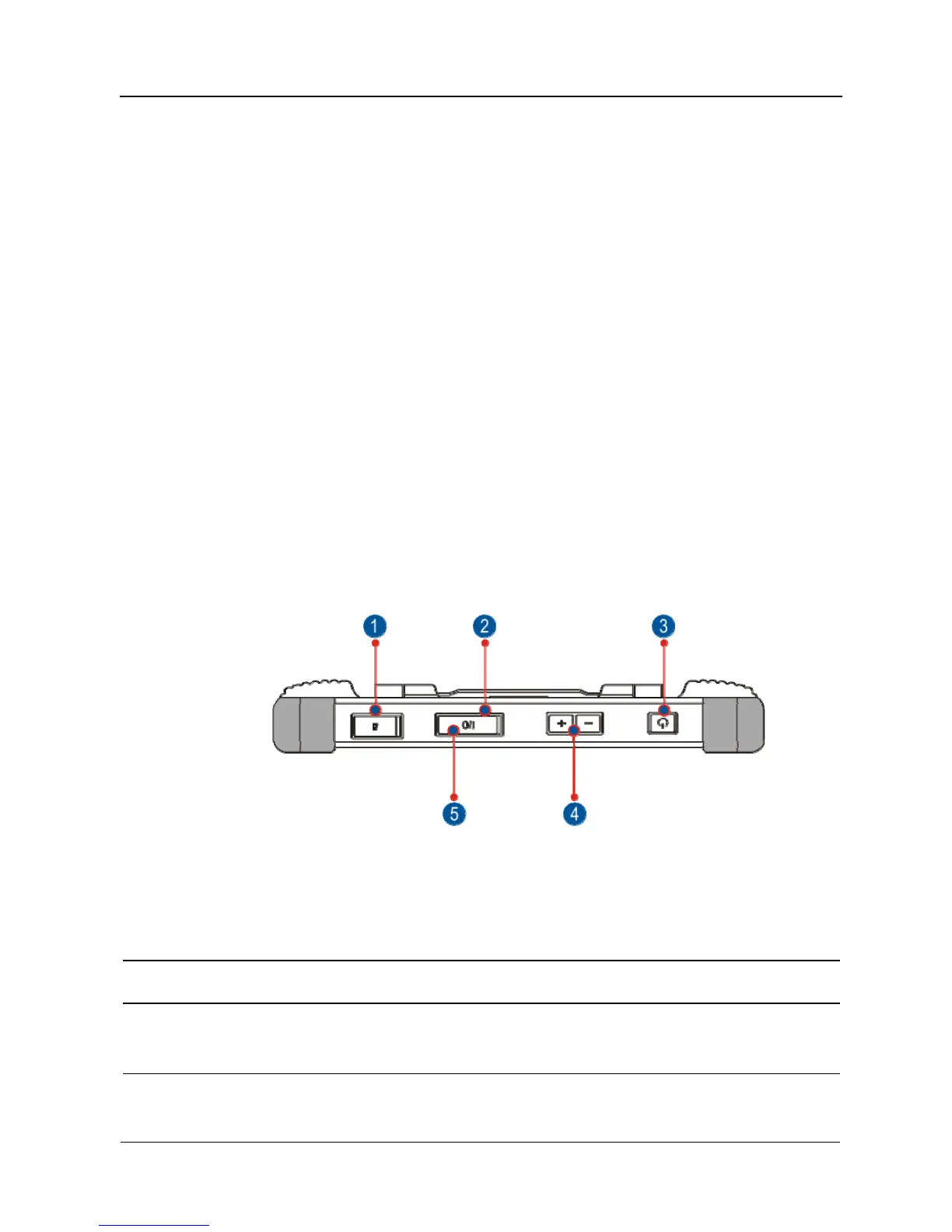
2.1.1 Top view
Fig. 2-1
1
Memory Card Slot
To store the memory card for storage
expansion.
2
Charging Po
t
Reserved for charging the handset.
3
Power/Screen
Lock Button
To turn the handset on/off with long press, or
lock the screen with short press.
4
Volume Buttons
To adjust the volume.
*Note: Press and hold [POWER] and [VOL -] key to















 To Next Page