LAUNCH X-431 Throttle User Manual
42
Fig. 5-27
Tap the Min./Max. value to change it. After modifying all desired items, tap
“Save” to save it as a sample DS file. All DS files are stored under the “Data
Stream Sample” file in “User Info”.
E. Actuation Test
This option is used to access vehicle-specific subsystem and component tests.
Available test vary by vehicle manufacturer, year, and model.
During the actuation test, the X-431 Torque handset outputs commands to the
ECU in order to drive the actuators, and then determines the integrity of the
system or parts by reading the ECU data, or by monitoring the operation of the
actuators, such as switching a injector between two operating states.
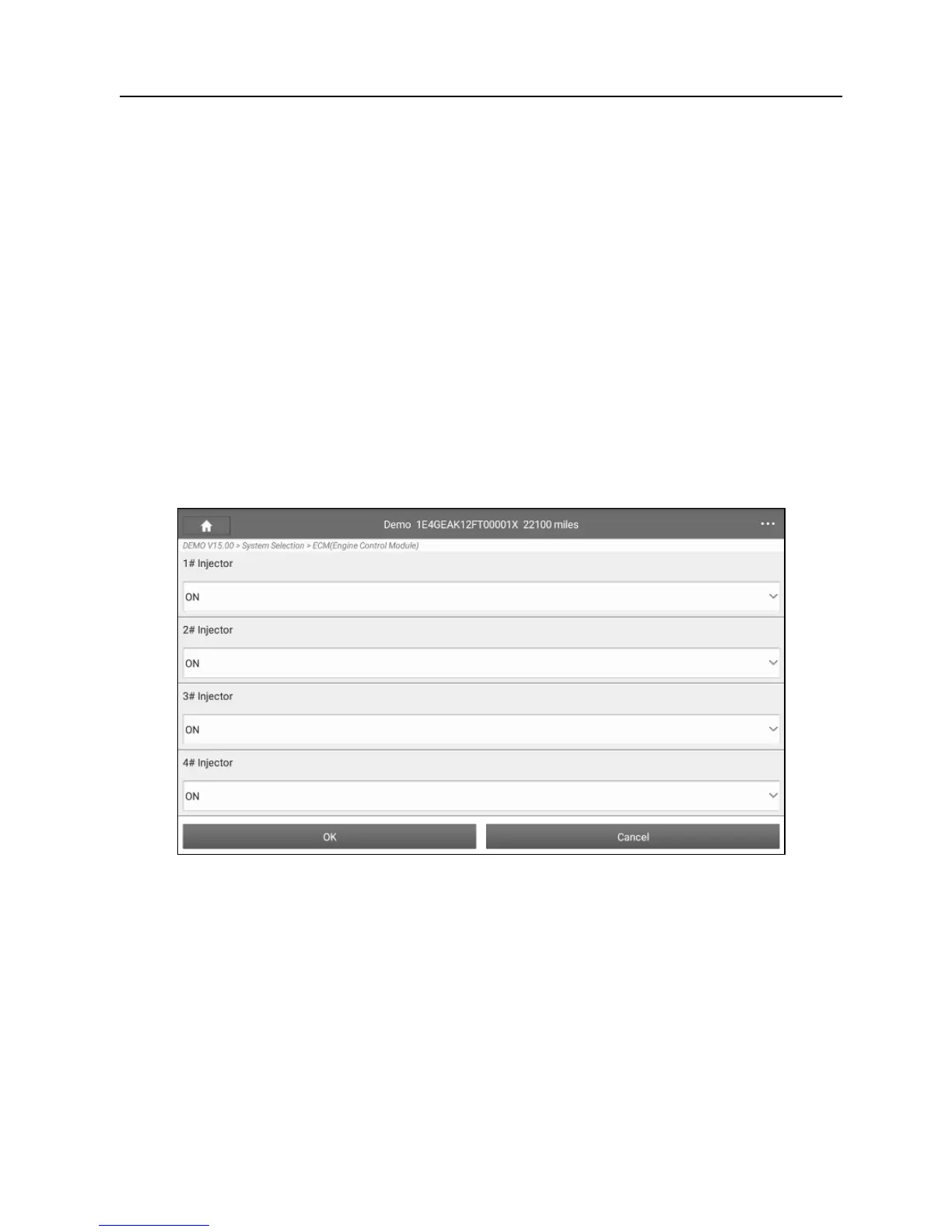
In Fig. 5-19, tap “Actuation Test”, the system will display as follows:
Fig. 5-28
Simply follow the on-screen instructions and make appropriate selections to
complete the test. Each time when an operation is successfully executed,
“Completed” displays.
5.3 Tech to Tech (Remote Diagnosis)
This option aims to help repair shops or technicians launch instant messaging
and remote diagnosis, making the repair job getting fixed faster.
Tap “Tech to Tech” on the Diagnostics function module, the screen appears















 To Next Page