LAUNCH X-431 Throttle User Manual
52
5.4 Manage Reports
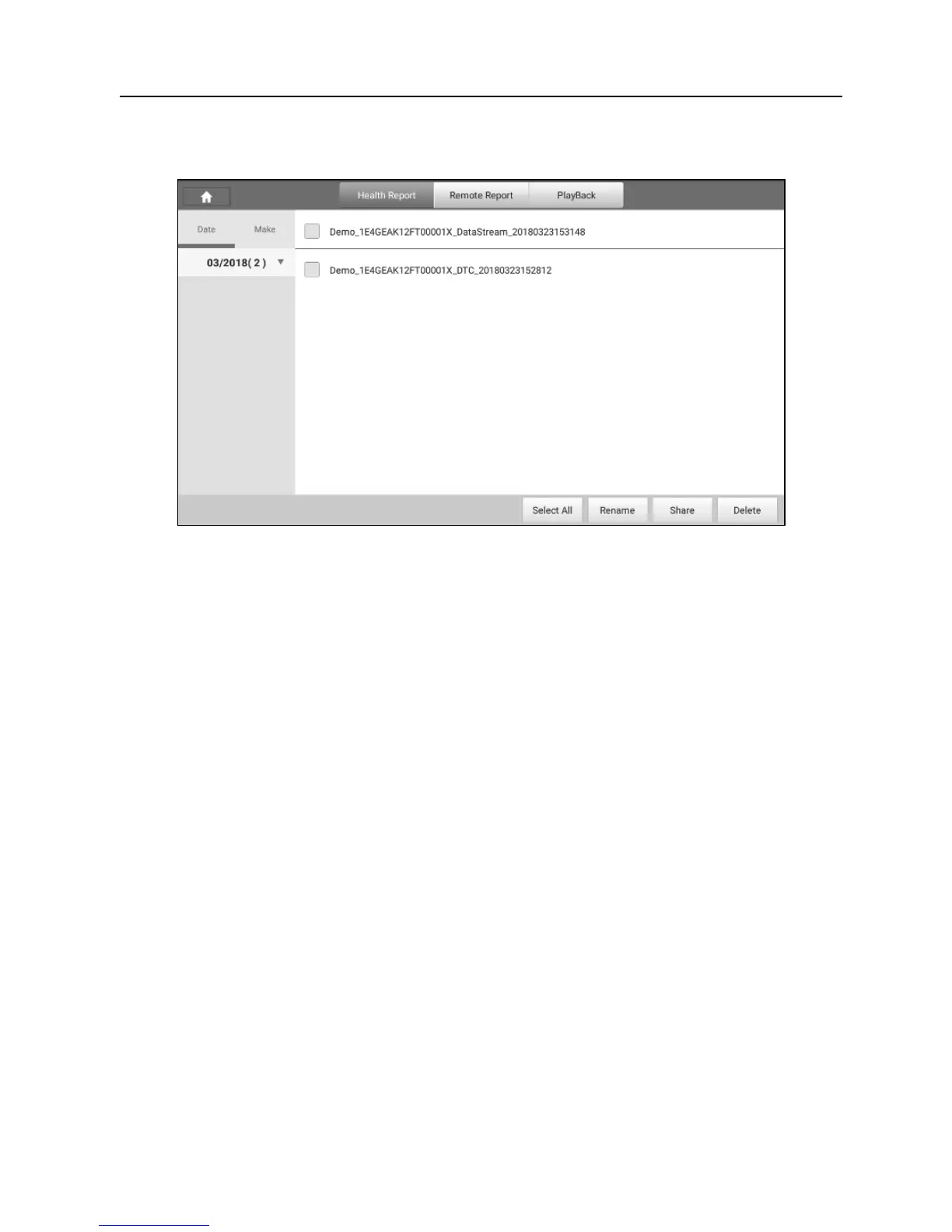
Fig. 5-39
5.4.1 Health Report
This module stores all diagnostic reports generated in process of vehicle
diagnosis.
All the diagnostic reports are sorted by Date and Make. Tap the desired type to
re-arrange and filter it.
• To select certain report, check the box before the report. To select all reports,
tap “Select All”. To deselect all, tap “Unselect”.
• To revise the filename of the report, select the desired one and tap
“Rename”.
• To share the report with others, select the desired one and then tap “Share”.
• Select the desired report and then tap “Delete” to delete it.
5.4.2 Remote Report
This option lists all diagnostic reports generated in process of remote
diagnostics.
5.4.3 Playback
If user records the running parameters or waveform graphs while reading data
stream, it will be saved as diagnostic records and appear under this tab.
Tap “Playback”, and select certain diagnostic record to enter.















 To Next Page