LAUNCH X-431 Throttle User Manual
32
Fig. 5-11
Tap “Scan” to start searching for the VCI device. Once it is found, tap it to start pairing.
If the X-431 Torque handset has paired with the VCI device, it will enter Step 2
directly.
OK:
Tap it to go to next step.
2). Select test item: Select the desired test item to proceed.
Fig. 5-12
5.2.1 Health Report (Quick Test)
This function varies from vehicle to vehicle. It enables you to quickly access all
the electronic control units of the vehicle and generate a detailed report about
vehicle health.
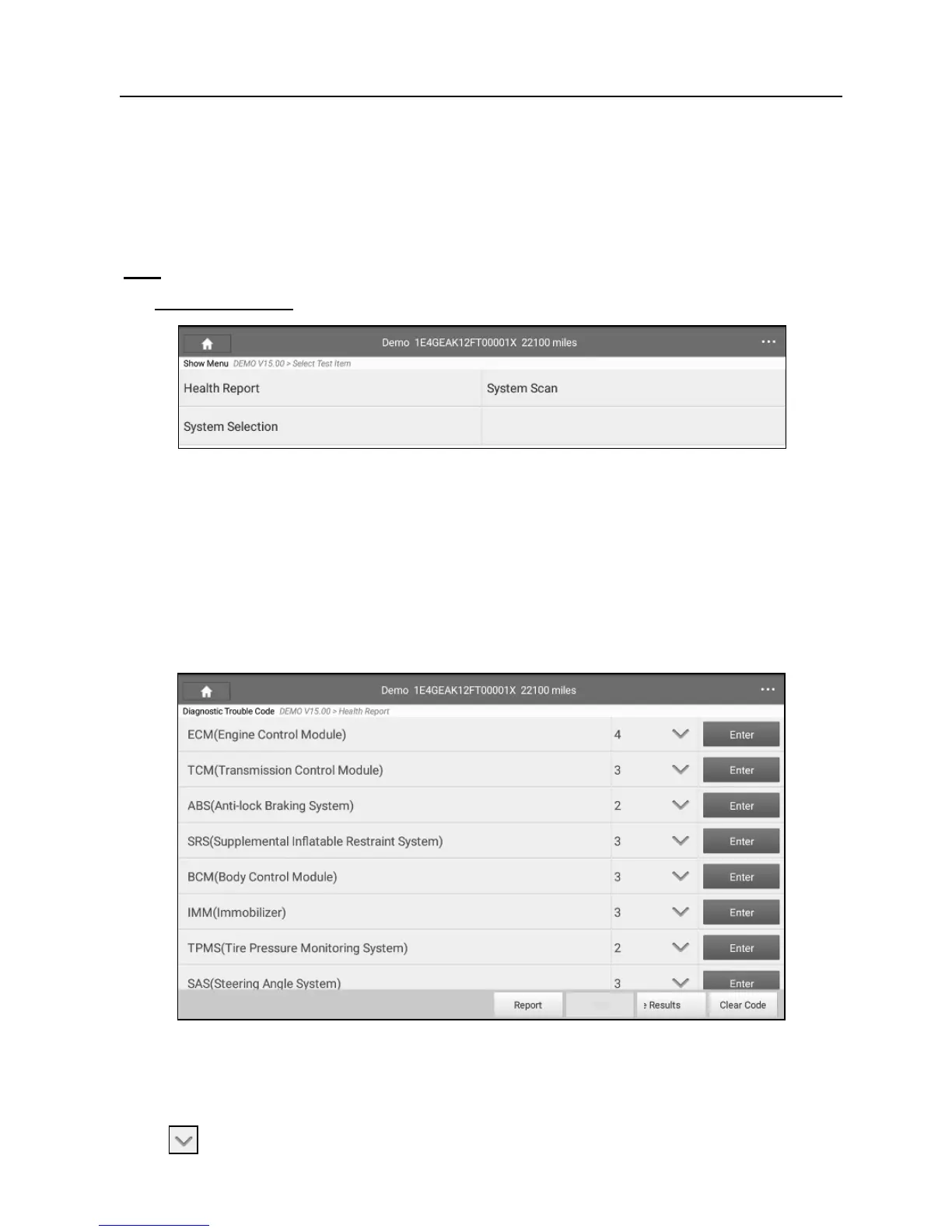
Tap “Health Report”, the system start scanning the ECUs. Once the scanning is
complete, a screen similar to the following appears:
Fig. 5-13
In Fig. 5-13, the tested system with fault code appears in red and the system
with OK displays in black (normally).
Tap
to view all diagnostic trouble codes.















 To Next Page