LAUNCH X-431 Throttle User Manual
58
6 Software Update
This module allows you to update the diagnostic software & App, and renew the
software subscription.
6.1 Update Diagnostic Software & APP
If you did not download the software in process of product registration or a
pop-up message prompting you that some new software can be updated, you
may use this option to download it or keep it synchronized with the latest
version.
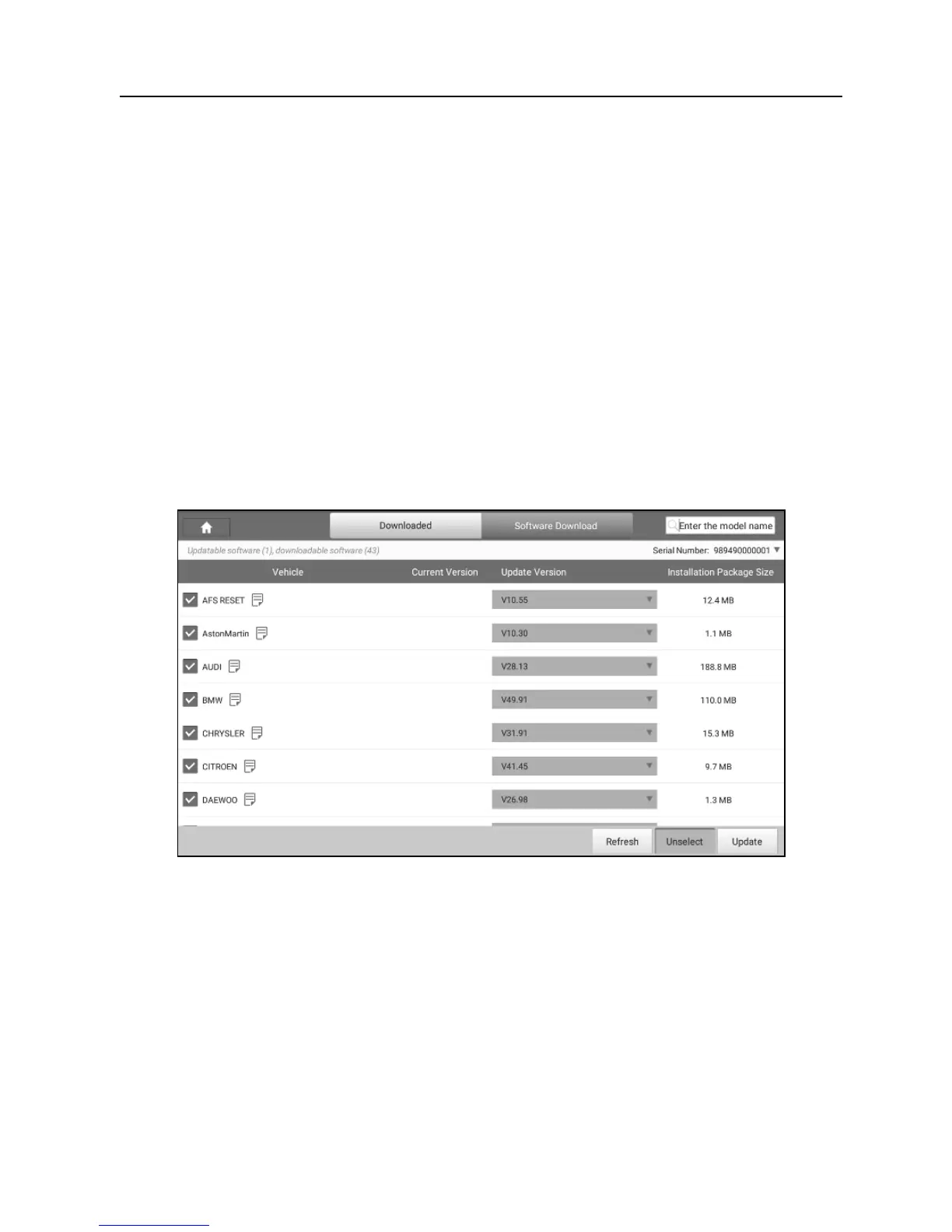
Tap “Software Upgrade” to enter the update center.
Fig. 6-1
By default, the system enters the “Downloaded” page and all diagnostic software
to be updated is selected.
* Note: If some software has not been downloaded yet, tap “Software Download” to
download it.
• To deselect certain software, tap “Unselect”, and then check the box next to
vehicle model.
• To refresh the downloaded list, tap “Refresh”.
• Tap “Update” to start downloading. It may take several minutes to finish it,















 To Next Page