LAUNCH X-431 Throttle User Manual
20
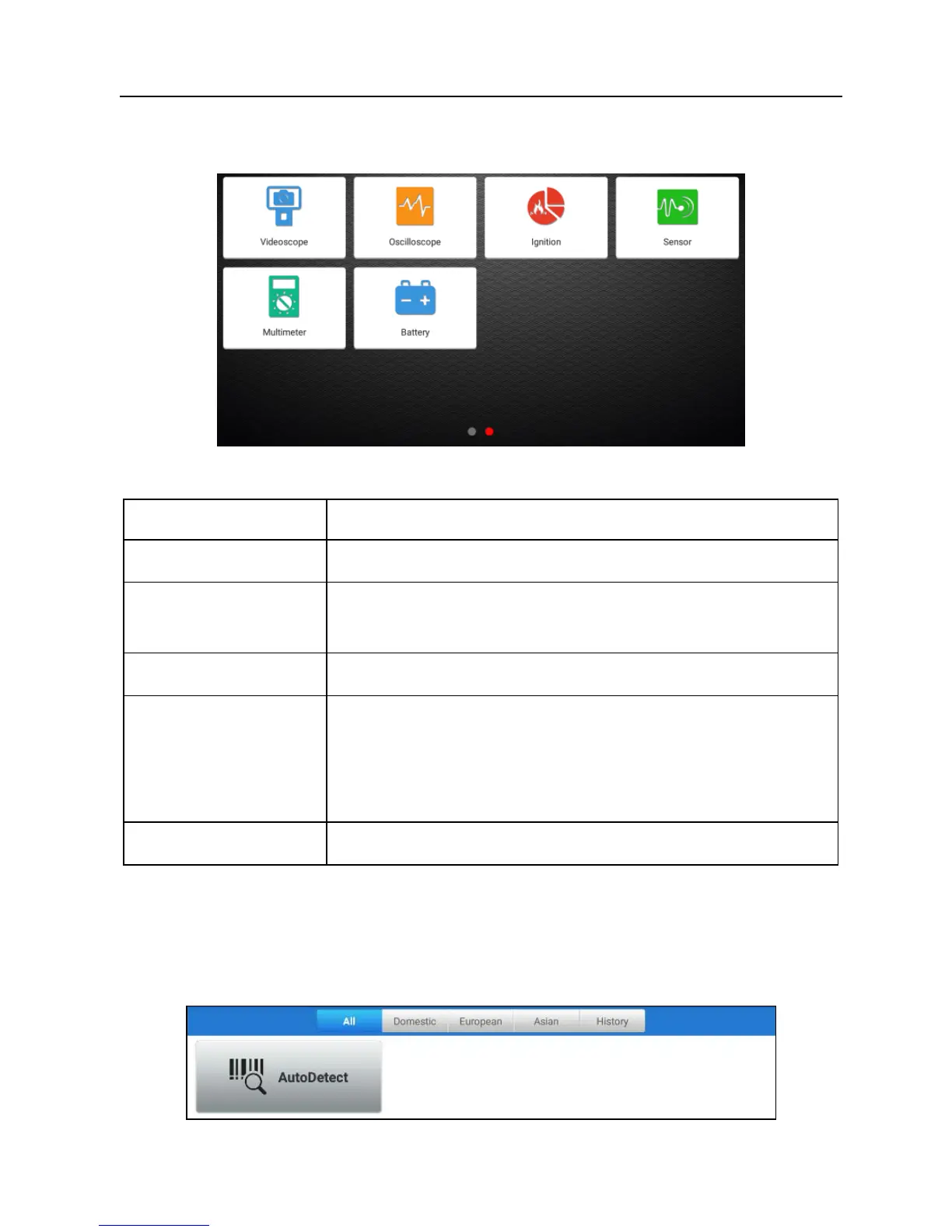
Toolbox
mainly includes the following add-on modules:
Fig. 4-9
Name Description
Videoscope
To check unseen or unreachable parts or components.
Oscilloscope/
Ignition
To determine vehicle electrical equipment and circuit
trouble.
Sensor
To diagnose/simulate vehicle ECU sensor trouble.
Multimeter
To measure physical parameters such as voltage,
resistance, frequency etc.
*Note: The function utilizes the same hardware device as the
sensor module.
Battery
To test whether vehicle's battery is good or not.
4.2.3 Vehicle menu layout
After downloading the diagnostic software, you can go to “Diagnose” to check if
all software are completely downloaded and installed.
Tap “Diagnose”, a screen similar to the following figure appears:
Fig. 4-10















 To Next Page