LAUNCH X-431 Throttle User Manual
46
5.3.4.
Camera: Open camera to take pictures.
5.3.4 Launch remote diagnosis (Device-To-Device)
The X-431 Throttle handset is allowed to launch remote diagnosis with other
diagnostic tools (including but not limited to the X-431 Throttle) of Launch family,
which are equipped with this module.
* Note: Before performing this operation, please make sure the following no matter
which side sends the remote request:
y
Turn on the vehicle power supply.
y
Throttle should be in a closed position.
y
The X-431 Throttle should be properly connected to the vehicle’s DLC and a
successful communication is required.
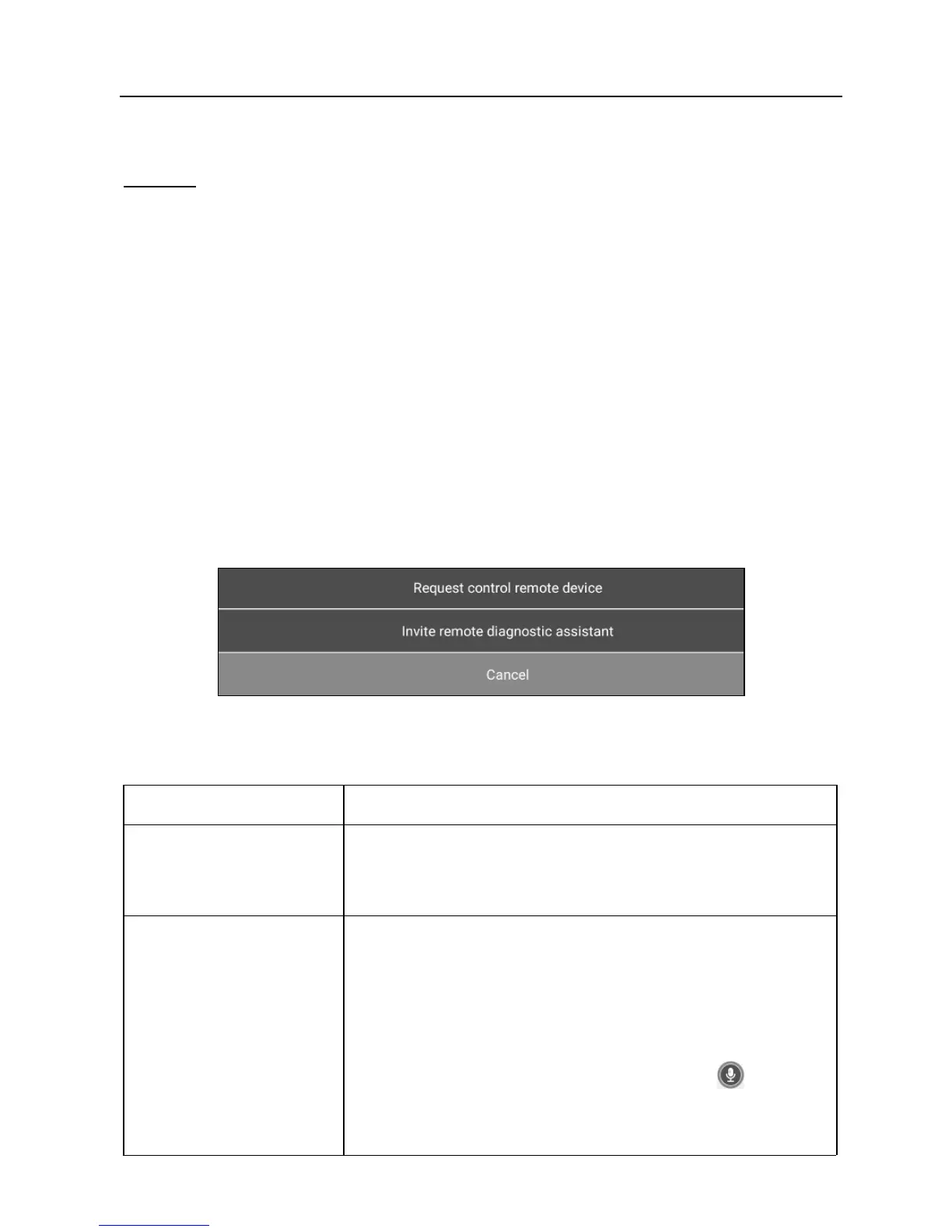
In Fig. 5-33, tap “Tech to Tech”, a pull-down menu including the following options
appears:
Fig. 5-34
These options are defined as follows:
Actions Results
Send remote
diagnostic reservation
Tap it and input the reservation title or scheduled date
of the remote diagnosis, and then tap “Confirm” to
send.
Request control
remote device
Request to control the partner’s device remotely to
help him diagnose the vehicle.
*Notes:
y
Remote diagnosis has the same diagnostic steps as
manual diagnosis.
y
In process of remote diagnosis, tap the
button to
send a voice message.
y
Once vehicle diagnosis is complete, a report will be















 To Next Page