LAUNCH X-431 Throttle User Manual
76
10 Multimeter (Toolbox)
10.1 Main Menu
Make sure the X-431 Throttle handset and the sensorbox are properly
connected (Refer to Chapter 9.3.1 Connections for details), launch X-431
Throttle application, tap “Toolbox” -> “Multimeter” to display the test menu.
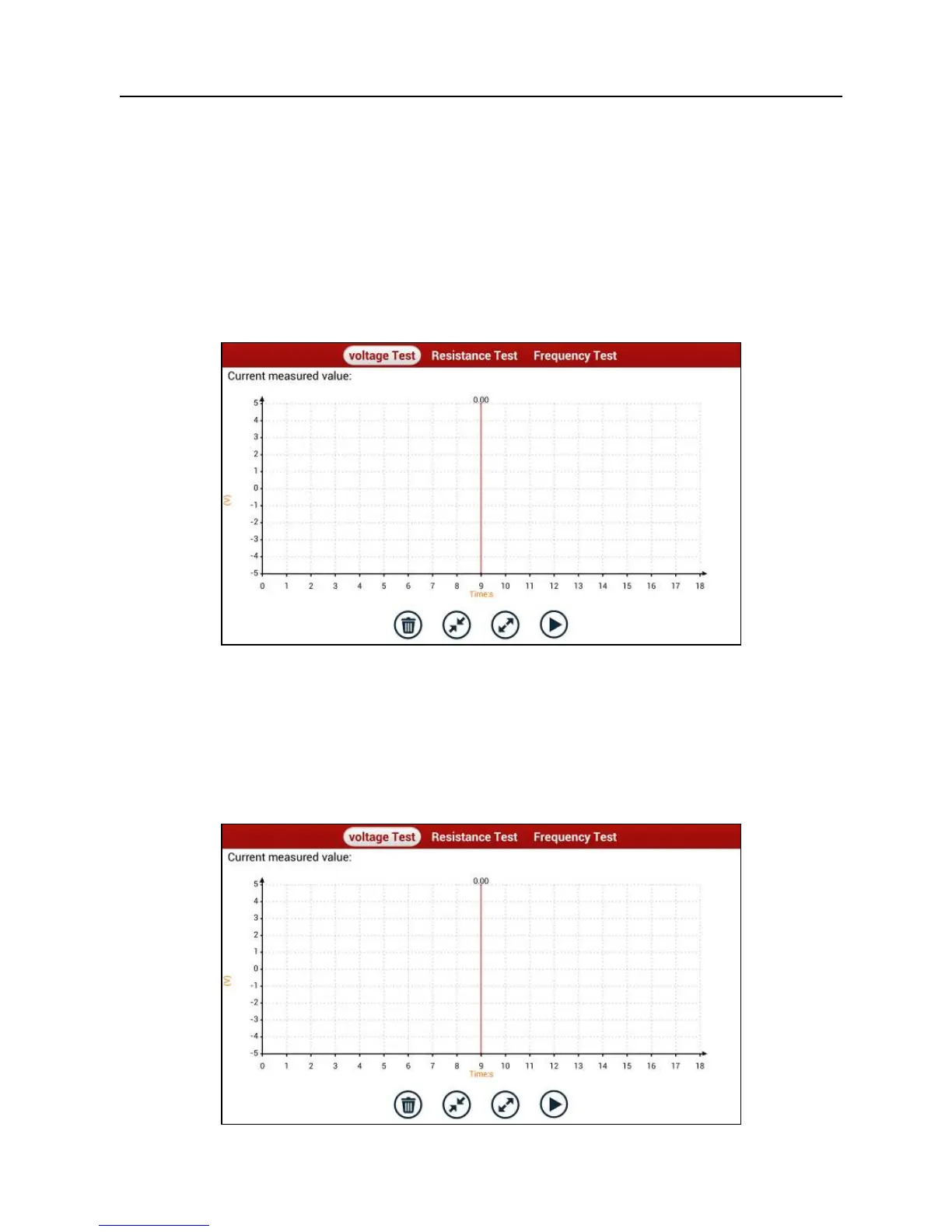
Fig. 10-1
Tap the desired test to perform related test.
The operation method on
Resistance Test
and
Frequency Test
is identical to
that of
Voltage Test
. Here take Voltage test as an example for demonstration.
Tap “Voltage Test”, a screen similar to Fig. 10-2 appears:
Fig. 10-2















 To Next Page