LAUNCH X-431 Throttle User Manual
27
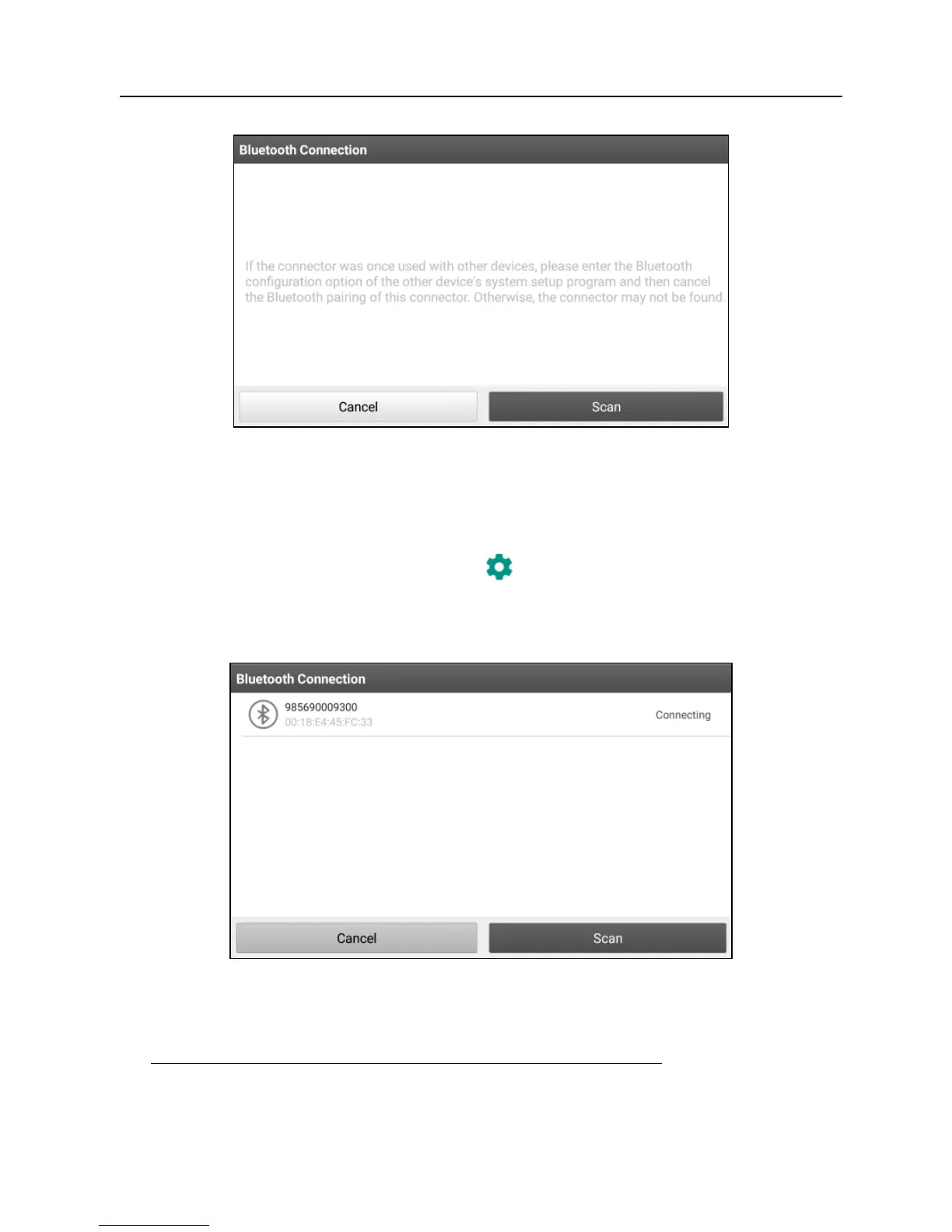
Fig. 5-3
If the VCI connector was once used with other devices, you need to cancel the pairing
of the connector first via either one of the following ways:
•
On the Android’s home screen, tap “Settings” -> “Bluetooth” -> Choose the desired
VCI connector from the Paired list. Tap “
”, and then tap “FORGET” to unpair it.
•
Tap “Settings” -> “VCI Management” -> Tap “Deactivate matching”.
Tap “Scan” to start searching for the VCI connector and pairing up with it.
Fig. 5-4
2. Once pairing is complete, the handset starts reading the vehicle VIN.
A. If the VIN can be found from the remote server database, a screen similar to
Fig. 5-5 displays:















 To Next Page